Quick Guide
It's a question that pops up right when you need it most. You're heading into the mountains, driving through a cellular dead zone, or traveling abroad without a data plan. You pull out your phone, look at the map, and the nagging doubt hits you: can GPS work without internet? The short, direct answer is yes, absolutely. But the full story of how it works, what you can and can't do offline, and why it sometimes feels like it doesn't work, is way more interesting and practical.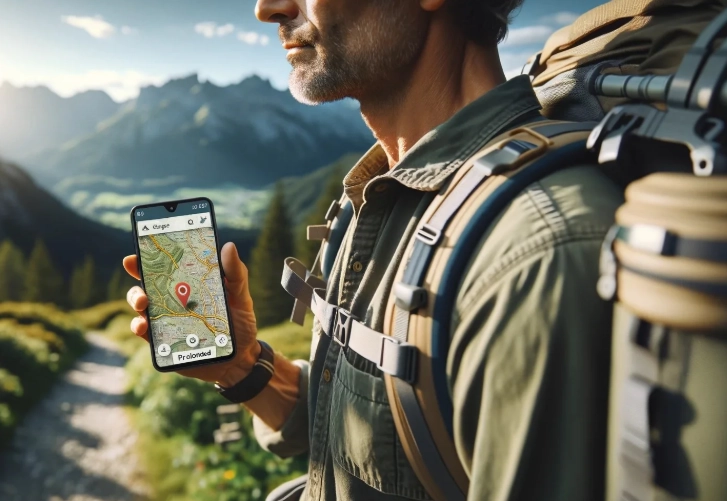
I remember a hiking trip a few years back in the Scottish Highlands. I'd downloaded the area map on my phone, feeling pretty clever. Halfway through, I needed to check my exact position. The little blue dot appeared, right where I was supposed to be. No bars of service, just pure satellite magic. It was a relief, but also a bit of a revelation about how this technology we take for granted actually functions.
Let's cut through the confusion. The core Global Positioning System (GPS) is a one-way street from the sky to your device. Your phone or dedicated GPS unit is just listening, not talking back to the satellites. That's the key to understanding why GPS without internet is not just possible, it's fundamental to the design.
The Core Takeaway
GPS positioning itself does not require an internet connection. Your device calculates your location by listening to timing signals from satellites orbiting the Earth. However, the maps, traffic data, and points of interest (POIs) that you see on your screen usually do come from the internet. This separation of location and map data is the heart of the whole issue.
How GPS Actually Works: It's Simpler Than You Think
Forget the complex jargon for a minute. Think of it like this: up in space, there's a constellation of at least 24 satellites (operated by the U.S. Space Force, believe it or not) constantly broadcasting a simple message: "Here I am, and this is the exact time my signal left me." Your phone's GPS chip is a tiny, sophisticated clock listener.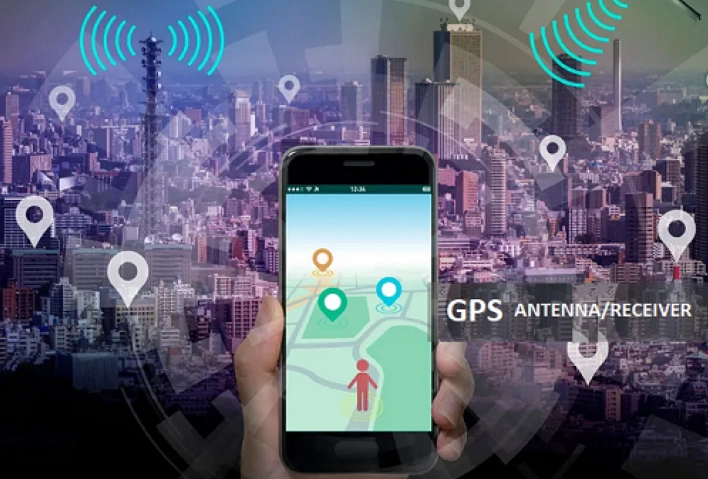
It picks up signals from several of these satellites at once. Since it knows the signals travel at the speed of light, it can calculate how far away each satellite is based on how long the signal took to arrive. By triangulating these distances, it can pinpoint its own location on Earth—latitude, longitude, and altitude. The U.S. government's official GPS.gov website has detailed technical documents, but the principle is elegantly simple. No data plan required for this step. Zero.
This is the part that surprises people. The satellites don't know where you are. They don't care. They're just shouting the time into the void. Your device does all the heavy math to figure itself out. It's a receive-only system.
So, if the answer to "can GPS work without internet?" is a clear yes, why does your Google Maps app freak out when you lose service? Ah, that's where we get to the real-world complications.
The Internet's Real Role: AGPS, Maps, and Searching for Tacos
Your phone's GPS is brilliant, but it can be a bit slow and thirsty for battery when it's working completely alone. This is where Assisted GPS, or A-GPS, comes in. When you do have an internet connection (Wi-Fi or cellular), your phone downloads a tiny file called an almanac and ephemeris data. This data tells your phone roughly where the satellites should be in the sky, so it can find their signals much faster—sometimes in seconds instead of a minute or more.
It's like having the schedule for the buses before you get to the stop. You still need to see the bus (the satellite signal) to know exactly where it is, but you know when and where to look. This is the main reason people think GPS needs the internet. It doesn't need it, but internet makes the initial lock-on process dramatically quicker and more battery-efficient.
Here's the critical distinction: A-GPS assists in finding the signal faster. Once the GPS has a lock on the satellites, it can maintain that lock and provide your location indefinitely without any internet connection. The assistance is just a helpful boost at the start.
Now, the bigger role of the internet is everything else on your screen.
- The Map Tiles: Those road lines, park boundaries, and street names? They're stored on Google's or Apple's servers. Without data, you just see a blank screen or a grid with a lonely blue dot. This is why you need to download offline maps.
- Live Traffic & Road Closures: This is crowd-sourced and server-fed data. Offline, you won't see red or orange lines warning of jams.
- Search & Points of Interest: Want to find the nearest gas station or taco stand? That requires querying a massive, constantly updated online database. Offline, you're limited to what's embedded in your pre-downloaded map data.
- Rerouting: Online, if you miss a turn, the app can instantly calculate a new path. Offline, many apps can still do this, but they rely solely on the map data stored on your device, which can be less flexible.
Offline Navigation: Your Practical Toolkit
So, you're convinced that GPS can work without internet. How do you actually make it work for you? It boils down to two things: the right app and a bit of preparation.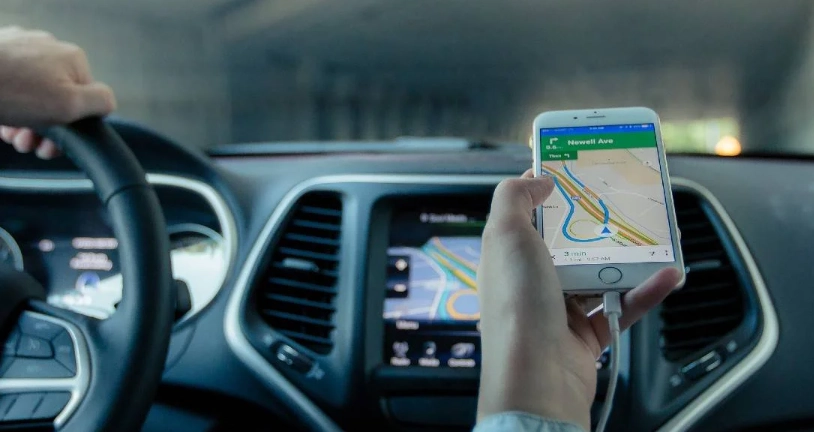
Top Contenders for Offline Navigation Apps
Not all map apps are created equal for offline use. Some treat it as a secondary feature, while others are built for it. Here's a breakdown from my own testing and experience.
| App | Best For | How Offline Works | A Key Limitation (The Downside) |
|---|---|---|---|
| Google Maps | Urban navigation, general use with occasional offline needs. | You manually select and download specific regions. Provides turn-by-turn driving directions and basic search within the saved area. | Offline maps expire after a set time (usually a year) and need re-downloading. Search is very limited compared to online. |
| HERE WeGo | Truly offline-first navigation. A veteran in this space. | You can download entire countries or continents. Offers walking, driving, and public transit directions fully offline. | The interface can feel a bit dated compared to Google Maps. Points of interest data might not be as comprehensive in some regions. |
| Maps.me (Organic Maps) | Hikers, travelers, and privacy-conscious users. | Massive community-driven OpenStreetMap data. You download countries/states. Excellent for finding trails and points of interest offline. | Driving navigation can sometimes suggest odd routes. The search function, while good, relies on community data which can be uneven. |
| Gaia GPS | Serious hiking, backpacking, and off-road adventures. | Download detailed topographic maps, satellite layers, and specialized maps. It's a powerhouse for the wilderness. | It's a subscription-based service. Overkill and expensive if you just need offline city driving directions. |
| Apple Maps | iOS users on short trips or in rental cars. | Limited automatic caching of areas you view. You can't manually download huge regions as easily as with Google Maps. | The offline functionality is more passive and less robust. I wouldn't rely on it for a major trip without cellular. |
My personal go-to for international road trips is HERE WeGo. I downloaded the whole of Iceland before a trip there, and it was flawless, even on remote gravel roads in the highlands. For hiking back home, Gaia GPS is worth every penny.
Dedicated GPS Devices: The Old Reliable
Let's not forget the original heroes: Garmin, TomTom, and other dedicated GPS units. These devices answer "can GPS work without internet?" with a resounding, never-had-it-in-the-first-place yes.
They have all the map data pre-loaded on internal memory or SD cards. Their GPS chips are often more sensitive than those in phones, meaning they can get a signal in deeper valleys or under thicker tree cover. They don't do live traffic or fancy online searches, but for pure, reliable, turn-by-turn navigation from A to B, they are incredibly robust. The battery life also destroys any smartphone. The downside? They're another device to buy, charge, and update maps for (usually via a computer).
I keep an old Garmin in my car's glove box as a backup. It's saved me twice when my phone overheated on a long desert drive. There's a certain peace of mind in having a tool that does one job and does it without asking for a cell signal.
Common Questions & Headaches (The FAQ You Actually Need)
This is where most articles stop, but the real problems start when you try to use it. Here are the messy, practical questions.
- Download your maps on Wi-Fi first. Don't waste cellular data.
- Put your phone in Airplane Mode (with GPS manually re-enabled as above) to stop it from desperately searching for a cell signal, which drains battery fast.
- Lower your screen brightness or set the screen to turn off between instructions.
- Consider a portable power bank. It's non-negotiable for long trips.
The Bottom Line & Action Plan
So, can GPS work without internet? The technology itself is designed to. Your ability to use it practically hinges on preparing your software (the maps).
Here’s a simple checklist for your next offline adventure:
- Identify Your Need: Are you driving in a remote area, hiking, or traveling abroad without a SIM card?
- Choose Your App: For driving, HERE WeGo is a stellar choice. For hiking, look at Maps.me or Gaia GPS. Google Maps is fine for pre-planned city trips.
- Download Maps on Wi-Fi: Do this well before your trip. For a country, it can be several gigabytes. Download the specific regions you'll be in.
- Test It: Seriously, do this. At home, with Wi-Fi and cellular off, open the app and see if your location appears and if you can search for something. A quick test prevents a major headache later.
- Manage Battery & Mode: Enable Airplane Mode, then re-enable GPS. Pack a power bank.
- Have a Paper Backup: It sounds archaic, but a physical map or printed directions are the ultimate failsafe. Technology can fail; paper doesn't run out of batteries.
The feeling of navigating perfectly through a canyon or foreign city with no signal, guided only by satellites and your own preparation, is pretty satisfying. It turns your phone from a fragile link to a network into a truly powerful, self-contained tool. Understanding that the GPS signal is free, global, and always there is the first step to unlocking that independence.
Just remember: the blue dot will move. The map around it needs to already be on your device. Get that part right, and you can confidently answer "can GPS work without internet?" not just with a yes, but with a proven plan.