Quick Navigation
Let's talk about getting from A to B. Remember the days of unfolding giant paper maps on the passenger seat, squinting at street signs, and the inevitable wrong turn that added twenty minutes to your trip? Yeah, me too. Not exactly a relaxing start to a road trip. The game changed completely when navigation systems for cars entered the scene. What started as a luxury gadget for the few has become a central feature for most drivers, whether it's built into the dashboard or running on your phone. But here's the thing—with so many options, how do you know what's actually best for you? Is the factory system worth the extra cost, or is your smartphone all you need?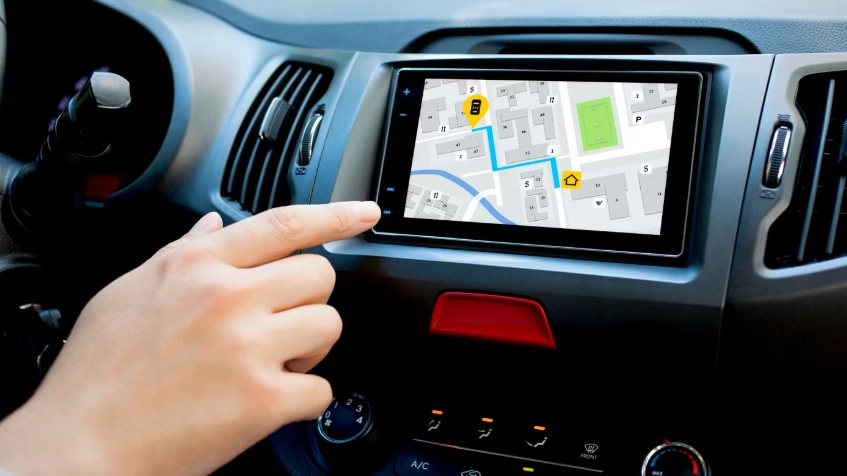
I've been through this decision myself. My old car had a basic built-in system that felt outdated the day I drove it off the lot. My new one has a slick, integrated screen, but I still catch myself glancing at my phone mounted on the dash. It's confusing. This guide is here to cut through that confusion. We're not just listing specs; we're talking about what it's actually like to live with these systems every day. What works, what doesn't, and what you should really care about when you're choosing a navigation system for your car.
The Two Main Paths: Built-in vs. Smartphone Navigation
This is the first big fork in the road. Do you use the system that came with your car, or do you rely on your phone? It's not as simple as one being better than the other. They're fundamentally different tools with different strengths and weaknesses. I've used both extensively, and my opinion has shifted over the years as the technology has evolved.
Let's break it down side-by-side. This table isn't about declaring a winner; it's about showing you where each option shines and where it might frustrate you.
| Feature / Aspect | Built-in Car Navigation System | Smartphone Navigation App (Google Maps, Waze, Apple Maps) |
|---|---|---|
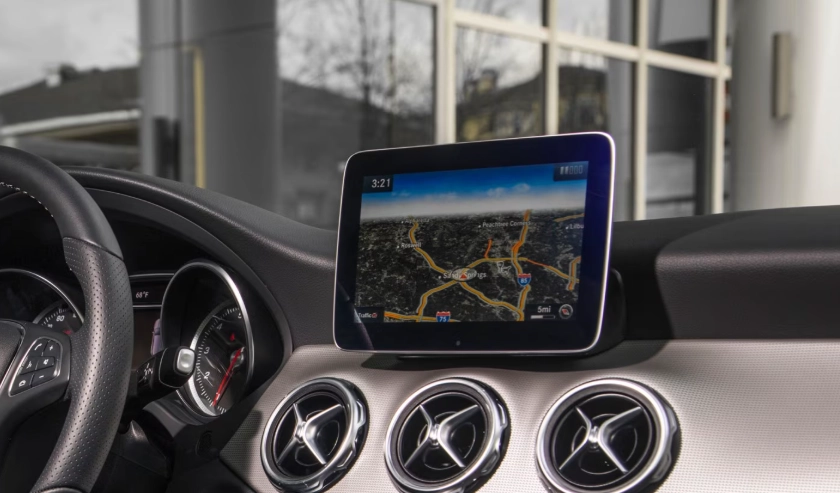
| Integration | Seamless. Built into the car's display, often controlled via knobs or touchscreen. Directions can appear in the digital instrument cluster. Doesn't rely on your phone's data or battery. | Requires mounting (phone holder, wireless charger). Audio plays through car speakers via Bluetooth, but interaction is on the phone screen. Can be a bit clunky. |
| Map & Traffic Updates | Can be slow and costly. Often requires a dealer visit, a paid SD card update, or a pricey annual subscription. Maps can be years out of date. | Constant, free, and automatic. Updates happen in the background, ensuring new roads, points of interest, and traffic patterns are always reflected. This is a massive advantage. |
| Real-time Data & Intelligence | Varies. High-end systems offer real-time traffic, fuel prices, and parking info, usually via a connected services subscription. Basic systems are static. | Unbeatable. Crowd-sourced data (especially on Waze) provides real-time police alerts, hazards, and ultra-accurate traffic rerouting. It feels alive and reactive. |
| Voice Control | Tightly integrated with car commands ("navigate home, and turn up the AC"). Can work without a data connection for basic input. | Excellent for search ("find the nearest open coffee shop"), but limited to the app itself. Requires data connection. |
| Cost | High upfront cost as part of a trim package. Potential for ongoing subscription fees for advanced services. | Free for core functionality. Uses your existing data plan. The main cost is a good phone mount and a car charger. |
| Biggest Strength | Reliability, integration, and a distraction-free, dedicated interface. It just works, even in areas with poor cell service if maps are pre-loaded. | Unmatched freshness, intelligence, and adaptability. It learns your habits, offers better suggestions, and feels perpetually current. |
| Biggest Weakness | The update model. Paying hundreds for a map update that's already 6 months old feels like a rip-off in 2024. | Dependence on your phone. It drains the battery, requires a mount (which can look messy), and can overheat on the dash in summer. |
See what I mean? It's a trade-off.
My personal take? For daily commuting and known routes in the city, my phone is king. The traffic rerouting has saved me more times than I can count. But for long road trips through rural or mountainous areas where cell service is spotty, the peace of mind offered by a built-in navigation system with pre-loaded maps is priceless. I've been caught out with no signal and a dead phone battery before—it's not fun.
Think about where and how you drive most. Are you a city dweller battling traffic daily, or an adventurer who frequently explores off the grid? Your answer points you toward the right tool for the job.
What Makes a Modern Car Navigation System Tick?
Okay, so you know the two main types. But what features separate a basic, frustrating system from a truly helpful co-pilot? It's not just about drawing a blue line on a map anymore. Modern navigation is a bundle of interconnected technologies. Here’s what you should be looking for, whether it's in your dash or on your phone.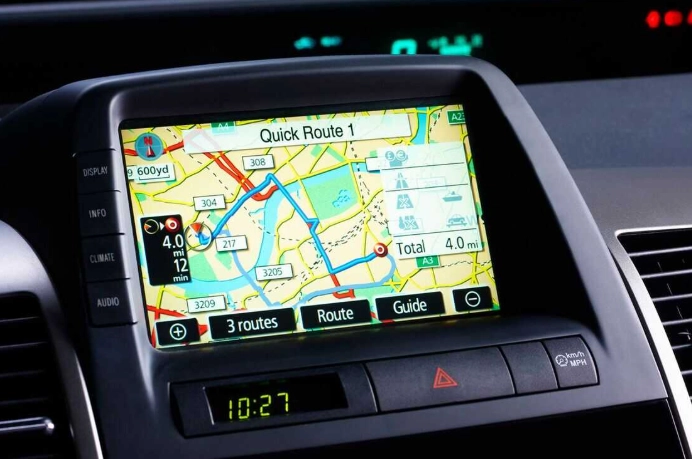
Core Features You Shouldn't Compromise On
Real-Time Traffic Information (RTTI): This is non-negotiable. Static directions are useless if they lead you into a traffic jam. A good system receives constant traffic flow data, accident reports, and construction alerts, dynamically recalculating your route. Services like TomTom Traffic or HERE Traffic power many built-in systems, while Google and Apple have their own vast networks. Check if this is standard or requires a subscription.
Voice-Guided Turn-by-Turn Directions: Sounds obvious, but the quality varies. Good guidance gives ample warning ("in half a mile, turn right"), uses clear landmarks, and repeats instructions as you approach the turn. Bad guidance shouts "TURN NOW!" as you're already passing the exit.
Points of Interest (POI) Search: Can you easily find gas stations, restaurants, parking garages, or EV charging stations along your route? Better systems let you filter by brand, rating, or price and add them as a waypoint without leaving the navigation screen.
Lane Guidance and Junction View: This is a lifesaver on complex highways. The screen shows a realistic image of the upcoming interchange, highlighting exactly which lane you need to be in. It eliminates last-minute, dangerous lane changes.
The Advanced Stuff That's Becoming Standard
This is where the tech gets really interesting, blending navigation with the car's other systems.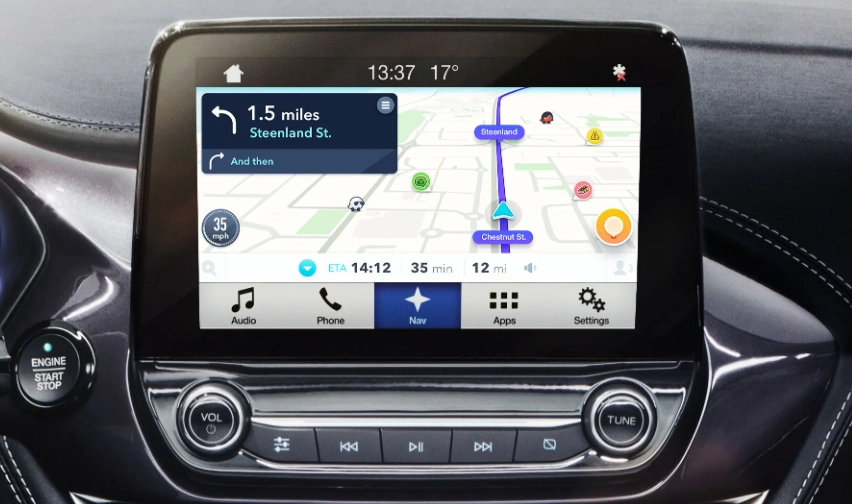
Predictive Routing & Learned Destinations: Some systems learn your driving patterns. If you leave work every day at 5 PM, it might proactively suggest the best route home, accounting for usual traffic. It might also predict you're heading to the gym on Saturday mornings. It feels smart, not just reactive.
Integration with Hybrid/Electric Systems: For hybrid or electric vehicles, this is crucial. The navigation system for car trips will factor in battery charge, topography, and even driving style to plan the most efficient route. It will direct you to necessary charging stations and precondition the battery as you approach them for faster charging. It's no longer just about the destination, but about managing your vehicle's energy to get there.
Augmented Reality (AR) Navigation: This is emerging tech, primarily in high-end models. It uses the car's front camera to overlay directional arrows and street names directly onto a live video feed of the road ahead on your dashboard. It looks like something from a video game and can make navigating complex city intersections much more intuitive. Is it essential? No. Is it cool and helpful? Absolutely.
The Buying Guide: What to Look For Before You Commit
So you're in the market for a new car, or considering an aftermarket unit. What questions should you be asking? Don't just nod along when the salesperson says "it has navigation." Dig deeper.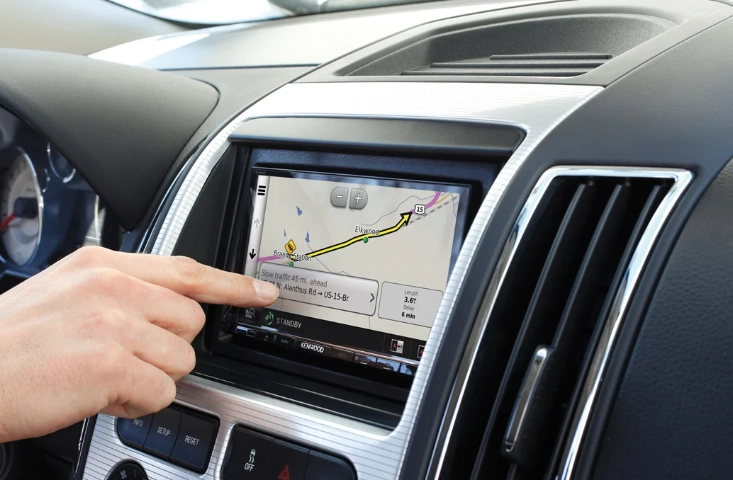
Screen Size and Quality: This is your primary interface. Is it a responsive touchscreen, or controlled by a rotary knob? Is it bright enough to see in direct sunlight? A glossy, reflective screen can be a nightmare. A matte, high-resolution display is worth its weight in gold. An 8-inch screen is a good minimum; 10 inches or more is fantastic.
Update Process and Cost: This is the biggest pitfall for built-in systems. Ask point-blank: "How do map updates work, and how much do they cost?" Is it over-the-air (OTA) for free or a low annual fee? Or do I need to buy a $300 SD card from the dealer every three years? The answer will tell you a lot about the manufacturer's long-term support philosophy. Companies like Tesla, with constant free OTA updates, are setting a new standard.
Connectivity: Does the system have its own built-in cellular modem (often called a "telematics" unit, like GM's OnStar or BMW's ConnectedDrive), or does it tether to your phone's hotspot? Built-in connectivity enables features like sending a destination from your phone to the car, remote start/lock, and automatic emergency calling in a crash. The NHTSA highlights how such connected safety features are becoming increasingly important.
Voice Recognition: Test it. Try saying an address naturally. "Navigate to 123 Main Street, Springfield." Does it understand you, or do you have to speak like a robot? Can it handle commands for other functions, like climate control or media? Good voice control means you keep your eyes on the road.
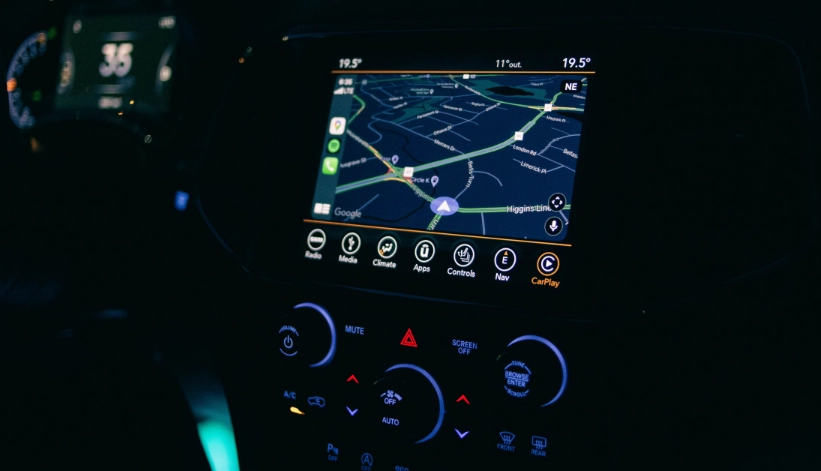
For aftermarket units from brands like Pioneer, Kenwood, or Alpine, the questions are similar, but you have more control. You can choose a unit with wireless Apple CarPlay and Android Auto, which essentially projects your phone's superior navigation apps onto a larger, dash-integrated screen. This is a brilliant middle ground—you get the phone's smart apps with a cleaner, built-in look.
Answering Your Real-World Questions (FAQ)
Let's tackle some of the specific, practical questions that pop up when you're deep in research. These are the things you'd ask a friend who's a car tech geek.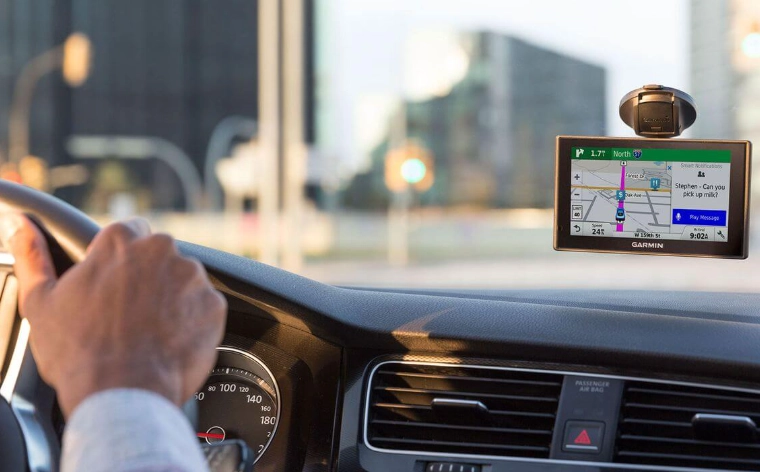
The Final Verdict: It's About Your Journey
After all this, what's the bottom line? There is no single "best" navigation system for car. There's only the best one for you, your car, and your driving life.
If you're buying a new car and live a connected, urban/suburban life, prioritize a model with a large screen and wireless Apple CarPlay/Android Auto. Use your phone's brilliant apps for 95% of your driving. The built-in system becomes a reliable, integrated backup for when your phone dies or you lose service—a safety net, not the primary tool.
If you drive an older car without a good screen, a quality aftermarket head unit with CarPlay/Android Auto is a transformative upgrade. It's cheaper than a new car and brings you all the modern nav benefits.
And if you're an off-grid explorer or simply hate fiddling with your phone in the car, then investing in a robust, modern built-in navigation system with lifetime map updates (or cheap OTA updates) is a perfectly valid choice. The integration and dedicated focus are worth the cost.
The technology is incredible now. We've moved far beyond the simple GPS receivers of the past. Today's systems are connected, predictive, and integrated into the very fabric of the vehicle. They manage our time, our vehicle's energy, and our safety. The key is to understand the trade-offs, ask the right questions, and choose the digital co-pilot that makes your driving life simpler, safer, and a little less stressful. Now, about those self-driving cars… but that's a topic for another day.