In This Guide
- What Exactly is a Sat Nav and How Does it Work?
- The Big Players: GPS, GLONASS, Galileo & BeiDou
- Standalone Device vs. Smartphone App vs. Built-In Car System
- What Really Matters When You're Choosing One?
- Advanced Features That Are Actually Useful (And Some That Aren't)
- Common Problems & How to Fix Them
- Safety, Privacy, and the Law
- Answers to Questions You Were Too Embarrassed to Ask
- My Final Take
Let's be honest. Remember the days of unfolding giant paper maps on the passenger seat, trying to find a streetlight to see by? Or worse, relying on the dubious directions from a gas station attendant? Yeah, me too. Those days are thankfully gone, replaced by a small device or an app on your phone that talks to you. That's your satellite navigation system, or sat nav for short.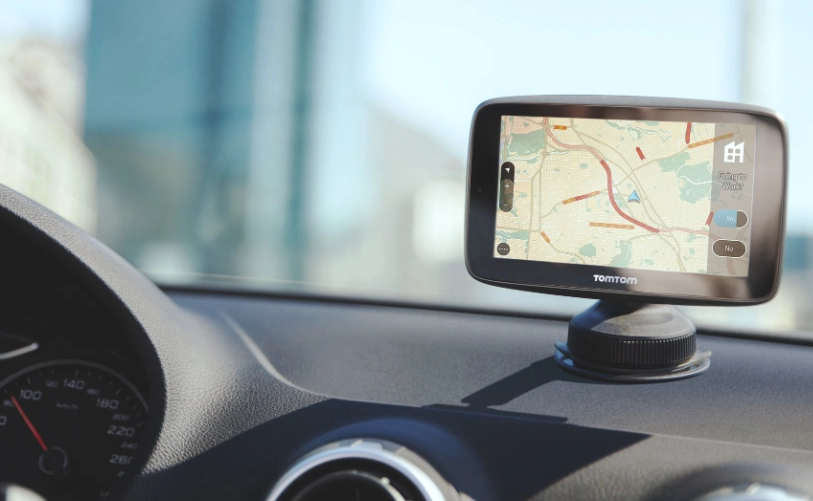
But here's the thing. The world of sat nav navigation system tech isn't as simple as just buying a gadget anymore. You've got built-in car systems, standalone GPS units, smartphone apps, and a bunch of different satellite networks like GPS, GLONASS, and Galileo. It's enough to make your head spin.
I've been through a few of them myself. I had a budget one years ago that tried to send me down a one-way street... the wrong way. Not fun. Then I used a fancy built-in one in a rental car that was so complicated I spent more time fiddling with it than driving. So I get the confusion. This guide is here to cut through the noise. We're not just listing specs; we're talking about what actually matters when you're trying to get from A to B without the hassle.
What Exactly is a Sat Nav and How Does it Work?
At its heart, a satellite navigation system is a clever piece of tech that tells you where you are and how to get somewhere else. It does this by chatting with satellites high above the Earth. Think of it like this: if your device can "see" at least four of these satellites, it can use some serious math (trilateration) to pinpoint your exact location on the planet—longitude, latitude, and even altitude.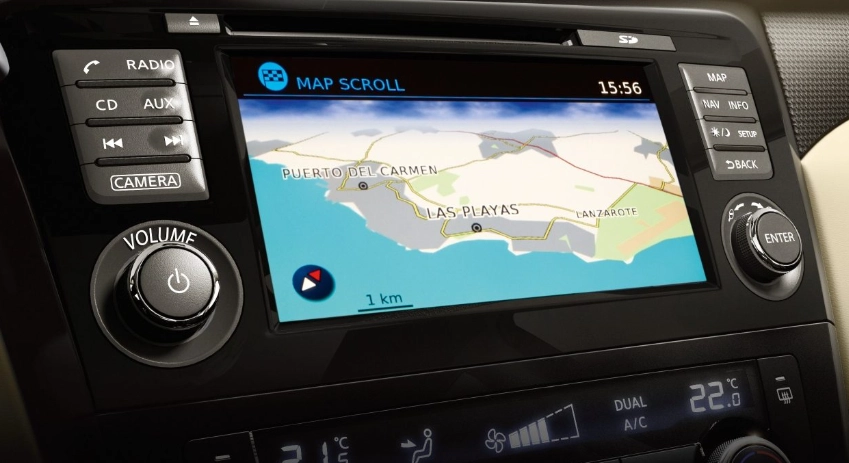
Your device (the GPS receiver) takes this location data and slaps it onto a digital map stored in its memory or streamed over the internet. Then, when you type in a destination, its software calculates a route. The best car GPS navigation systems don't just find any route; they find the fastest or shortest one, considering things like traffic jams, road closures, and even tolls.
That voice telling you to "turn left in 500 feet"? That's the final step. It takes the digital instructions and turns them into something you can follow without taking your eyes off the road.
The Big Players: GPS, GLONASS, Galileo & BeiDou
This is where it gets interesting. GPS isn't the only game in town anymore. Different countries have built their own constellations. Most modern devices use a mix of them to get a faster, more accurate lock, especially in tricky places like cities with tall buildings (what we call "urban canyons").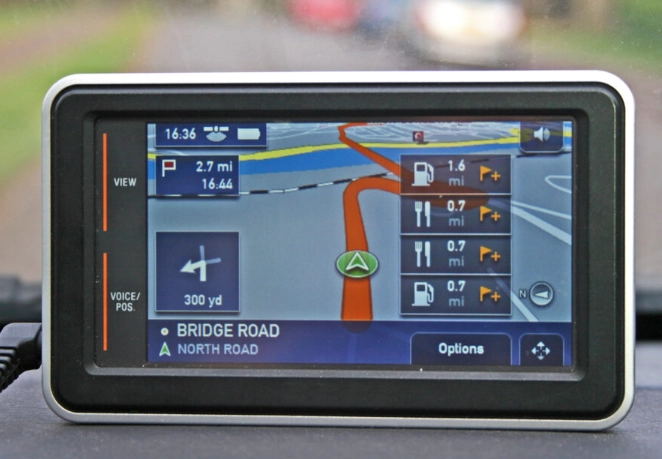
| System | Who Runs It | Key Thing to Know |
|---|---|---|
| GPS (Global Positioning System) | United States | The original. Widely used, very reliable. Most devices are built around it. |
| GLONASS | Russia | Often works alongside GPS in devices. Some say it's better at higher latitudes. |
| Galileo | European Union | Newer, aims for higher civilian accuracy. Great for future-proofing a device. The European GNSS Service Centre has detailed info. |
| BeiDou | China | Huge coverage in Asia. Essential for navigation if you're traveling or doing business in that part of the world. |
So, when you're looking for a sat nav navigation system, check if it's "multi-GNSS" (Global Navigation Satellite System). That means it can tap into more than one constellation. My current one uses GPS and Galileo, and I definitely notice it finds me quicker in my own downtown than my old GPS-only unit did.
Standalone Device vs. Smartphone App vs. Built-In Car System
This is the big choice. Each has its fans and its flaws.
The Dedicated GPS Unit (Standalone Sat Nav)
This is the classic box you stick to your windshield or dash. Brands like Garmin and TomTom rule here.
The Good: The screen is bigger and brighter than your phone, designed for daylight driving. They have lifetime map updates (usually a selling point). They don't use your phone's data plan. The routing software is often more driver-focused and includes tons of useful points of interest (POIs) like speed camera alerts—which, let's be honest, can be a lifesaver. Reliability is their main thing. You're buying a dedicated tool for one job.
The Not-So-Good: It's another device to buy, mount, and charge. The user interface can sometimes feel a generation behind your slick smartphone. And if you forget to update the maps via your computer every few months, it can get outdated.
I keep one in my glovebox. Why? For long road trips through areas with spotty cell service. It's my backup plan, and it has never let me down when Google Maps is buffering.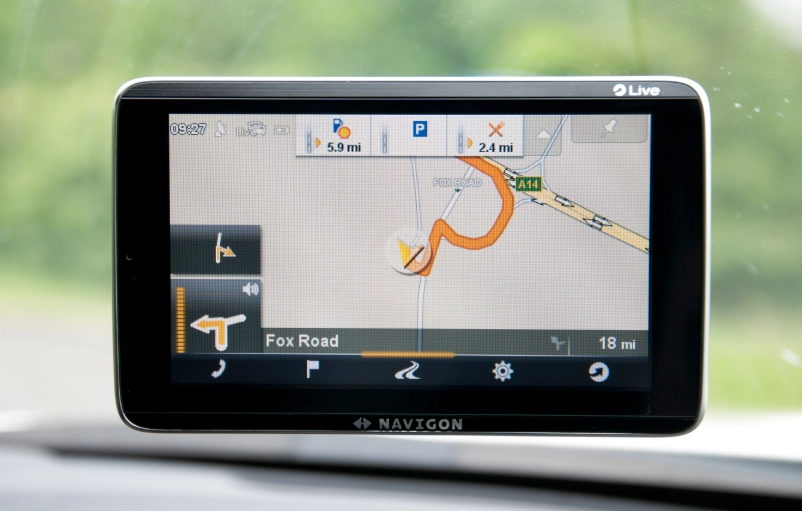
The Smartphone App (Google Maps, Waze, Apple Maps)
This is the choice for probably 80% of people now. And for good reason.
The Good: It's free (mostly). The maps are always up-to-date because they stream. The traffic data is real-time and crowd-sourced, especially on Waze—it's amazing for finding accidents and police traps. It's incredibly convenient; it's already in your pocket.
The Not-So-Good: It eats your phone battery and data. A bright screen in a hot car can cause your phone to overheat and shut down. I've had that happen, and it's stressful. The screen can be hard to see in direct sunlight. And if you lose cell signal, you're in trouble unless you've pre-downloaded offline maps.
The Built-In Car System (Like BMW iDrive, Mercedes MBUX, etc.)
These come integrated into your car's dashboard.
The Good: It looks sleek and integrated. The screen is often in a perfect spot. It usually works with your steering wheel controls and might show directions right in the digital instrument cluster. No wires or mounts needed.
The Not-So-Good: Oh boy. They are often painfully expensive to update. We're talking hundreds of dollars at the dealership. The user interface can be clunky and slow compared to a phone. And the traffic info services sometimes require a separate, ongoing subscription. I find many of them try to do too much and end up being frustrating for the simple task of navigation.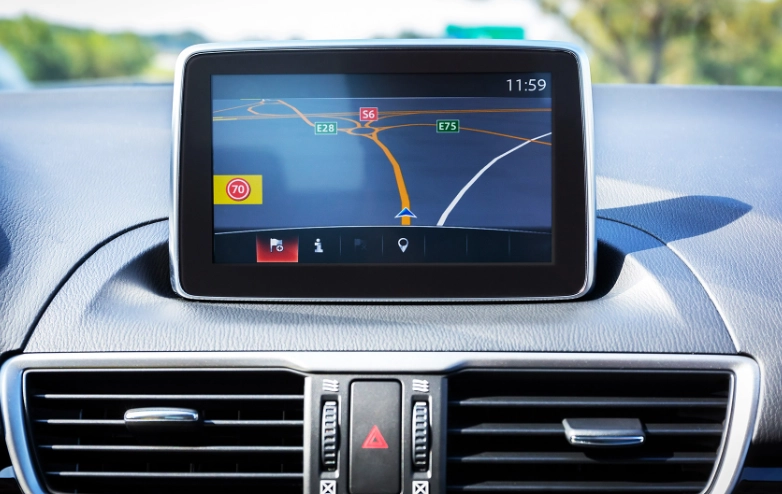
What Really Matters When You're Choosing One?
Forget the marketing fluff. Here's my checklist from hard-earned experience.
- Screen Size & Readability: 5 to 7 inches is the sweet spot. Bigger isn't always better if it blocks your view. Look for an anti-glare screen.
- Map Updates: Are they "Lifetime"? What does that even mean? Usually, it's the life of the device, not your life. Check how easy the update process is.
- Traffic Information: This is crucial. Does it come built-in via an FM receiver (like RDS-TMC) or does it need a smartphone connection (via Bluetooth)? Smartphone-linked traffic is usually more accurate and detailed.
- Points of Interest (POIs): A huge database is useful. But more importantly, can you easily search for "gas stations near me" or "24-hour pharmacies" while driving?
- Voice Commands: Being able to say "avoid tolls" or "find parking" without touching the screen is a major safety plus.
- Mounting System: This sounds trivial, but a weak suction cup that falls off every time you hit a bump will drive you insane. Get one with a strong grip or a dash disc.
For a dedicated unit, battery life matters if you use it outside the car. For everyone, consider the ecosystem. If you use an iPhone, Apple Maps integration in a new car might be seamless. If you live on Google services, a phone mount and Android Auto might be your best GPS navigation system.
Advanced Features That Are Actually Useful (And Some That Aren't)
Manufacturers love to add bells and whistles. Here's what's worth your attention.
Driver Alerts: Speed limit signs, sharp curve warnings, school zones, and red-light/speed camera alerts. This isn't just about avoiding tickets; it's genuine safety info. A good sat nav navigation system will give you a gentle *beep* or a visual cue.
Lane Guidance: Absolute gold for complex highway interchanges. It shows you a diagram saying "get in the right two lanes" instead of just telling you to exit. This has saved me from last-minute, dangerous lane changes more times than I can count.
Off-Road & Topographic Maps: If you hike, bike, or boat, some Garmin units switch to topographic maps when you leave the road. A niche feature, but brilliant for the right person.
Dash Cam Integration: Some newer Garmin devices have a built-in dash cam. Two gadgets in one. I'm skeptical about the video quality versus a dedicated dash cam, but the concept is clever.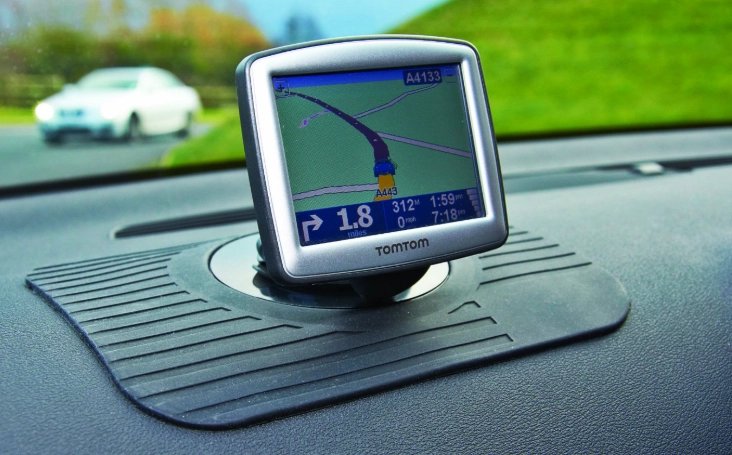
Common Problems & How to Fix Them
No technology is perfect. Here are the usual suspects.
"It Can't Find a Satellite Signal!" First, are you indoors or in an underground garage? It won't work there. If you're outside and it's struggling, stay still. Driving around makes it harder. Sometimes a simple restart of the device does the trick. In a dense city, be patient—it might take a minute to lock on.
"The Maps Are Out of Date." For standalone units, you must update them. Connect it to your computer with the provided cable and use the brand's software (like Garmin Express). For phone apps, check your settings to ensure auto-update over Wi-Fi is on. For built-in car systems... good luck. You might have to weigh the cost of the dealer update against just using your phone.
"It's Taking Me a Weird, Illogical Route." Check your routing preferences. Do you have it set to "Shortest Distance" instead of "Fastest Time"? The shortest route might take you down every tiny back alley. Is "Avoid Highways" or "Avoid Ferries" accidentally turned on? I once had a setting stuck on "Avoid Unpaved Roads" that made a rural trip very strange indeed.
"The Traffic Info is Wrong." For phone-based apps, ensure your data connection is strong. For FM-based traffic receivers in standalone units, you need to be in an area that broadcasts the traffic signal. These services have varying coverage; check the provider's website (like TomTom's traffic coverage map).
Safety, Privacy, and the Law
Let's talk about the serious stuff.
First, mounting. In many places, it's illegal to mount a device in a place that obstructs the driver's view. Usually, the lower corner of the windshield on the passenger side is the safest and most legal spot. Don't stick it dead center in front of you.
Second, programming while driving. It's incredibly dangerous and illegal nearly everywhere. Always pull over in a safe place to type in a new address or use reliable voice commands.
Third, privacy. Your navigation data can be sensitive. It shows where you live, work, and go. Standalone devices typically store this history on the device itself. Phone apps and connected car services often collect this data to improve traffic services. You should periodically review the privacy settings in your app or connected car account. You can usually clear your location history or turn off location sharing for non-essential purposes. For a deep dive on data and safety standards, organizations like the International Maritime Organization (IMO) set standards for maritime GNSS, showing how critical reliability is at an international level.
Answers to Questions You Were Too Embarrassed to Ask
My Final Take
After using all the types, here's my personal setup, for what it's worth. For daily driving in my known city, I use my smartphone (Google Maps for the clean interface, Waze for long trips with unknown traffic). It's just too convenient.
But I always keep my dedicated Garmin unit charged and updated in the car. It's my insurance policy for road trips, remote areas, or if my phone dies. That combination gives me perfect peace of mind.
The best sat nav navigation system isn't the one with the most features. It's the one you understand, that you trust, and that gets you where you need to go without adding stress to the journey. Whether that's a premium Garmin DriveSmart, the ever-present Google Maps on your phone, or your car's built-in system, the goal is the same: to make the journey a little bit easier.
So think about how and where you drive most. Be honest about your needs. And don't overcomplicate it. The right tool is out there, waiting to tell you to make a U-turn when possible.