Quick Navigation
Remember the days of unfolding giant paper maps on the hood of your car, squinting at tiny street names while blocking traffic? I sure do. I once spent an hour trying to navigate through Boston using a map from a gas station, and let's just say it didn't end well for my sanity or my relationship with the drivers behind me. Thankfully, those days are gone for most of us, replaced by the little voice from our phones or dashboards telling us where to turn.
But here's the thing. That little voice comes in many forms. There's the navigation system GPS built into your car's dashboard, the app on your phone, and those dedicated devices you might still see on windshields. Which one is actually best? The answer, frustratingly, is "it depends." It depends on where you drive, what you drive, and honestly, how much you trust technology.
I've relied on all of them over the years. I've had my phone die in the middle of nowhere, my car's built-in system give me bizarrely outdated directions, and a dedicated GPS unit save the day on a backcountry hiking trail. This guide is my attempt to sort through the noise. We're going to strip down the marketing jargon and look at what really matters when you're trying to get from point A to point B without a hassle.
What Exactly is a GPS Navigation System?
Let's start simple. A GPS navigation system is any device or software that uses signals from the Global Positioning System (GPS) satellites to figure out where you are on Earth and then help you get somewhere else. The core technology, managed by the U.S. government, is a network of satellites orbiting the planet. Your device—whether it's a phone, a car system, or a handheld unit—talks to several of these satellites to triangulate your position with surprising accuracy, often down to a few meters.
Think of it as a super-powered, global "you are here" sticker.
But knowing your location is only half the battle. The "navigation" part is the software magic. It takes your location, compares it to a massive digital map database, and calculates a route to your destination. Modern systems do this in real-time, adjusting for traffic jams, road closures, and even how fast you're driving. It's this combination of satellite positioning and intelligent routing software that makes the whole thing work. If you're curious about the technical guts of the satellite system itself, the official U.S. government site, GPS.gov, has some surprisingly readable explanations.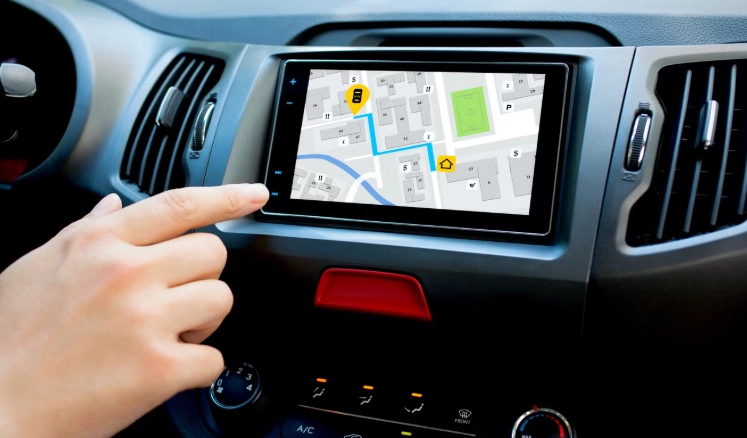
The Three Main Flavors of GPS Navigation
You basically have three choices today. Each has its own personality, strengths, and, frankly, weaknesses.
1. Built-in Car Navigation Systems
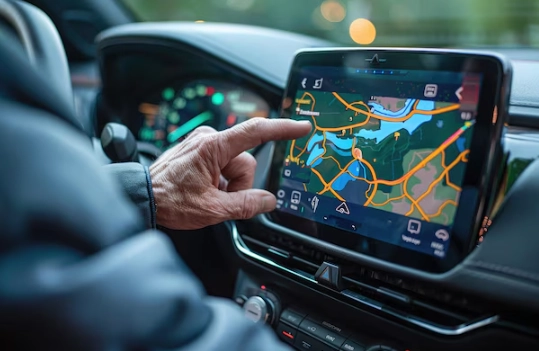
These are the systems factory-installed in your vehicle's center console. Companies like Garmin and HERE Technologies often supply the mapping software to car manufacturers. They feel integrated and premium. The screen is usually large and bright, and they often tie into your car's other systems, like showing directions in the instrument cluster or adjusting the audio volume when giving instructions.
- Always there, always charged: No worrying about a separate device or your phone battery.
- Integrated and clean: No messy cables or suction cups on the windshield. The antenna is usually in the roof for great signal.
- Often includes lifetime map updates for a certain period (though always check the fine print).
- Can be painfully expensive as a factory option.
- Updates can be a nightmare. Sometimes you need a USB drive from the dealer, and it's rarely free forever.
- The user interface is sometimes clunky and slow compared to a smartphone. I've used some that feel like they're running on a computer from 2005.
- They can become obsolete long before your car dies.
2. Smartphone Navigation Apps (Google Maps, Waze, Apple Maps)
This is what most people use now, and for good reason. Your phone is the ultimate connected device. These apps are incredibly powerful because they live online. They see traffic, accidents, and police reports in real-time because they're constantly learning from other users.
Google Maps is the all-round powerhouse. Its search is unbeatable ("best pizza near me"), and its map data is arguably the most comprehensive. Waze, owned by Google, is community-driven and fantastic for real-time traffic hazards and speed trap alerts—though its interface can feel a bit busy. Apple Maps has come a long way and is now a very solid, privacy-focused option that integrates seamlessly if you're in the Apple ecosystem.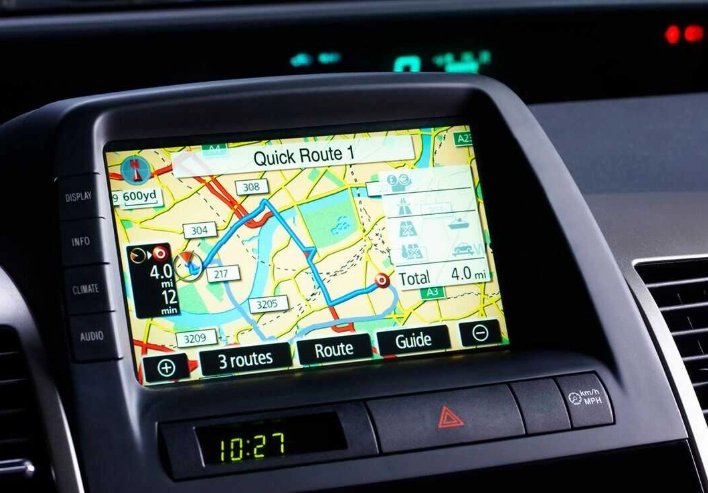
3. Dedicated Portable GPS Devices (Garmin, TomTom)
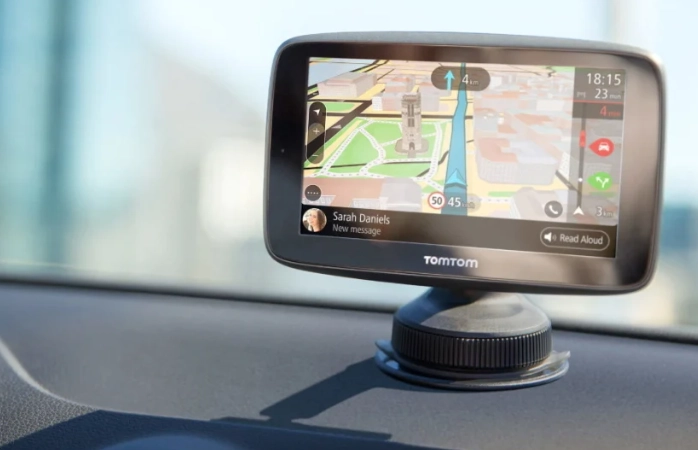
You might think these are relics, but they're far from dead. Brands like Garmin and TomTom still sell millions of units. Why? Because they solve specific problems that phones and built-in systems don't.
Their biggest ace in the hole is offline functionality. You download detailed maps of entire countries or continents directly to the device. No cell signal? No problem. This is a game-changer for rural road trips, international travel (to avoid roaming charges), and any outdoor activity like hiking or boating. Many high-end models also include specialized maps for trails, topography, and even marine charts.
They also have larger, more sunlight-readable screens than most phones, and they don't drain your phone's battery or interrupt your music with notifications. For professional drivers or frequent travelers to remote areas, a dedicated navigation system GPS unit is still a vital tool.
| Type | Best For | Biggest Strength | Biggest Weakness | Approx. Cost |
|---|---|---|---|---|
| Built-in Car System | Leaseholders, those who want a seamless, integrated look. | Convenience & integration. | Cost & potentially slow updates. | $500 - $2,000+ (as car option) |
| Smartphone App | Daily commuters, urban drivers, quick searches. | Real-time data, always updated, free. | Dependent on cell signal & battery life. | Free (with data plan) |
| Dedicated Device (e.g., Garmin) | Rural/remote travel, truckers, outdoor recreation, international trips. | Reliable offline maps, specialized features. | Extra device to buy and manage. | $100 - $500 |
Features That Actually Matter (And Some That Don't)
Marketing sheets are full of buzzwords. Let's cut through them and talk about what will make a difference when you're driving.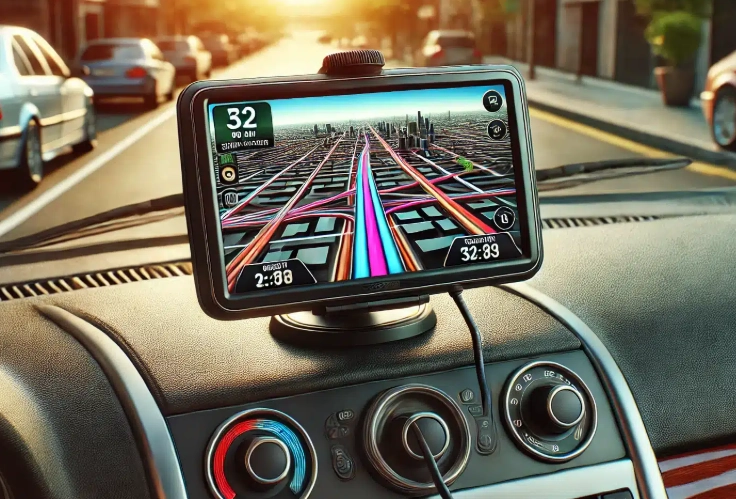
Non-Negotiable Features:
- Real-Time Traffic: This is the killer feature of the modern era. It reroutes you around jams automatically. Both apps and most new dedicated devices have this (usually via a connection to your phone). Never go back to a system without it.
- Voice-Guided Turn-by-Turn Directions: Obvious, but the quality varies. Good systems give you plenty of warning ("in one thousand feet, turn right"). Bad ones yell "TURN NOW!" as you're passing the intersection.
- Speed Limit & Camera Alerts: Seeing the speed limit on the screen is a great reminder. Camera alerts (for red-light and speed cameras) are a legal lifesaver in many areas.
- Lane Guidance: Those detailed pictures showing you which of five lanes to be in for an upcoming exit? Priceless in complex interchanges.
Nice-to-Have Features:
- Points of Interest (POI) Search: Finding gas, food, or hotels on the go. Phone apps excel here.
- Offline Maps: Crucial if you travel outside cell coverage. A must-have for dedicated devices and a useful downloadable option in Google/Apple Maps.
- Hands-Free Calling & Smart Notifications: When connected to your phone, some units can read out texts or let you make calls. Helpful, but your car's built-in Bluetooth might do this already.
How to Pick Your Perfect Navigation System GPS
Stop thinking about which one is "the best." Start asking which one is best for you. Answer these questions:
- Where do you drive most? All city/suburbs? Your phone is perfect. Frequent long trips through mountains or deserts? A dedicated GPS with pre-loaded maps is your safety net.
- What's your car situation? Do you own an older car with no screen? A portable unit or phone mount makes sense. Leasing a new SUV with a big built-in screen? Try the built-in system first before adding clutter.
- What's your tolerance for tech hassle? Do you want something that just works forever (leaning built-in or dedicated), or are you okay with managing app updates and phone connections (leaning smartphone)?
- What's your budget? $0? Smartphone app. $100-$300? A great dedicated GPS. $500+? That's built-in system territory.
For most people, the smartphone app is the heart of their system. The real decision is whether you need a dedicated device as a backup or primary for specific needs.
The Big Questions People Actually Ask (FAQ)
Setup, Maintenance, and Avoiding Headaches
Buying it is just the start. Here's how to not mess it up.
For Dedicated Devices: The first hour is crucial. Fully update it before you even think about using it. Plug it into your computer, run the manufacturer's software (like Garmin Express), and download all the latest maps and firmware. This can take a while, but driving with outdated maps defeats the purpose. Mount it securely on the dashboard or windshield—the lower-left corner of the windshield is often a good balance of visibility and not blocking too much view. Check your local laws, as some places restrict windshield mounting.
For Smartphone Apps: Before a big trip, download the offline map for the region you'll be traveling through. In Google Maps, search for the area (like "Nevada"), tap the name at the bottom, and hit "Download." Also, invest in a good car charger and a solid vent or dashboard mount. A wobbly phone is a dangerous distraction.
For Built-In Systems: Find the menu for map updates and check how it's done. Some update over Wi-Fi when parked near your house, others need a USB drive. Mark your calendar to check for updates once or twice a year.
The Final Verdict: What Should You Do?
Look, here's my blunt advice after using all this stuff for years.
Start with your smartphone. Master Google Maps or Apple Maps. Use it for 99% of your driving. It's free, brilliant, and always getting better.
Then, be honest with yourself. Do you often drive where cell service is spotty? Are you planning a big national park tour or a European road trip? If yes, then consider buying a dedicated GPS navigation system from Garmin or TomTom as your dedicated backup. Look for a model with "lifetime map and traffic updates." It's an insurance policy against getting lost.
As for built-in car nav, if your new car has it, try it. You might like it. But I wouldn't pay thousands extra for it anymore, not when Android Auto and Apple CarPlay exist. They turn your car's screen into a portal for your phone's superior, constantly updated navigation apps.
The goal isn't to have the fanciest system. The goal is to get where you're going safely, efficiently, and without unnecessary stress. Sometimes that means trusting the crowd-sourced data on your phone. Sometimes it means relying on the rugged, offline maps in a dedicated unit. Often, the smartest move is having both options in your glove box.
Now go plug in your destination. And maybe avoid that left turn up ahead.