Let's be clear. Tesla doesn't sell a boxed product called the "Drive Anywhere Package." You won't find it in the online shop next to the wall connector. But ask any seasoned Tesla owner about tackling a 500-mile journey, and they'll describe a specific, powerful combination of software, hardware, and infrastructure that feels exactly like a premium travel upgrade. That's the real "Tesla Drive Anywhere Package." After driving my Model Y Long Range over 30,000 miles across three states, I can tell you this unofficial package is what makes Tesla ownership fundamentally different for travel. It turns the classic road trip headache into something you might actually look forward to.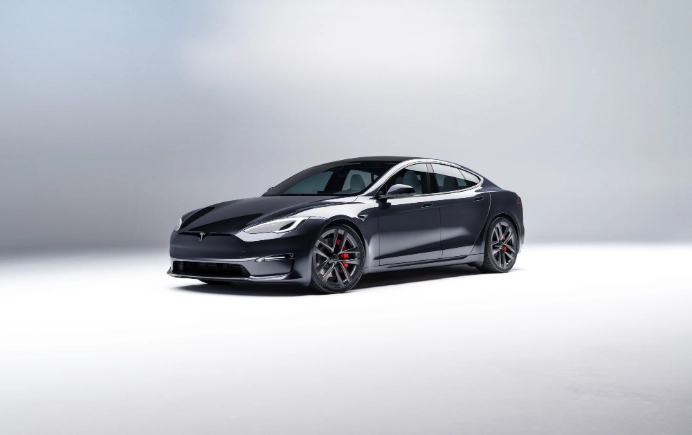
The magic isn't in one thing. It's in how Autopilot, the trip planner, and the Supercharger network work together seamlessly. Most reviews talk about these features in isolation. They miss the point. The real value is the integrated experience. You just get in, tell the car where to go, and it handles the stressful parts. That's the package.
What You'll Find in This Guide
What Actually Makes Up the "Drive Anywhere Package"?
Think of it as a three-legged stool. Remove one, and the experience gets wobbly.
The Autopilot / Full Self-Driving Suite: This is the muscle. On monotonous interstate stretches, engaging Traffic-Aware Cruise Control and Autosteer is a game-changer. It's not about taking a nap. It's about reducing cognitive load. Your foot isn't cramping on the accelerator, and your hands are lightly guiding the wheel instead of constantly making micro-corrections. The fatigue difference after four hours is profound.
The Supercharger Network: This is the lifeblood. It's the reliability that makes the planner's promises possible. Unlike the patchwork of third-party chargers (with broken screens, confusing apps, and unpredictable speeds), Superchargers just work. You plug in, it charges at the advertised rate, you pay through your Tesla account. The predictability is everything for stress-free planning.
A Real-World Test: San Francisco to Los Angeles
Let's get concrete. Last month, I drove from SF to LA, roughly 380 miles. Here’s how the "package" executed.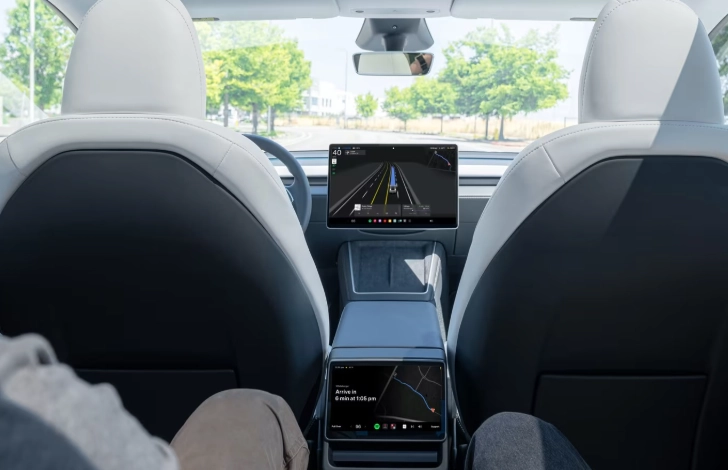
I entered "Santa Monica Pier" into the nav with a 92% charge. Instantly, the route appeared with one stop mandated: Kettleman City Supercharger. It predicted I'd arrive with 18% charge, need to charge for 25 minutes to reach 80%, and then arrive in Santa Monica with 15%.
The prediction was eerily accurate. I hit traffic on the I-5, and the car adjusted the projected arrival charge at Kettleman down to 14%. No panic—it recalculated in real-time. Upon plugging in at the V3 Supercharger, the in-car screen showed a countdown and suggested I'd have enough charge to continue in 20 minutes (it was ready in 18). I grabbed a coffee, used the restroom, and the car was waiting before I was.
| Leg of Journey | Planned Battery % (Arrival) | Actual Battery % (Arrival) | Charging Stop & Duration | Notes |
|---|---|---|---|---|
| SF to Kettleman City | 18% | 15% | Kettleman City, 25 min | Traffic on I-5 consumed extra 3% |
| Kettleman City to Santa Monica | 15% | 17% | None | Lighter traffic than predicted |
Autopilot handled about 85% of the highway miles. The stretch through the Grapevine (a mountain pass) required more supervision, which I'll get to. Total active driving fatigue? Maybe a 3 out of 10. In my old gas car, the same trip was a solid 7.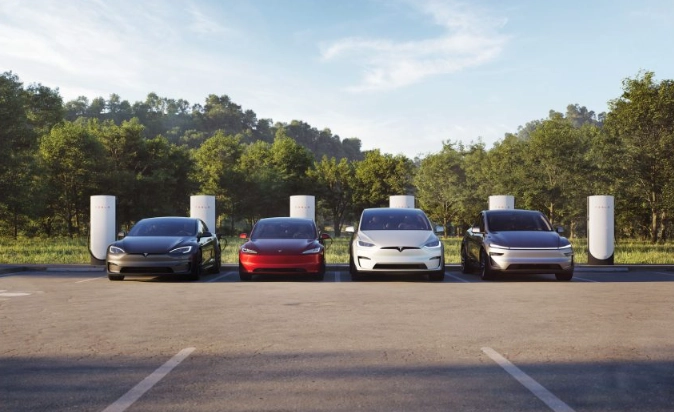
The Autopilot Reality Check for Long Drives
Here's where most guides gloss over the details. They treat Autopilot as a binary: it's either "amazing" or "scary." The truth is nuanced and depends heavily on road type.
On straight, clearly-marked interstates (I-5, I-10, I-80), it's phenomenal. It maintains lane position flawlessly, adjusts speed for traffic, and makes hours melt away. The subtle steering adjustments are smoother than most human drivers.
My rule? Engage it for the long, boring stretches. Disengage for complex urban environments or exceptionally winding roads. It's a co-pilot, not a chauffeur. This distinction is crucial for a relaxed, safe trip.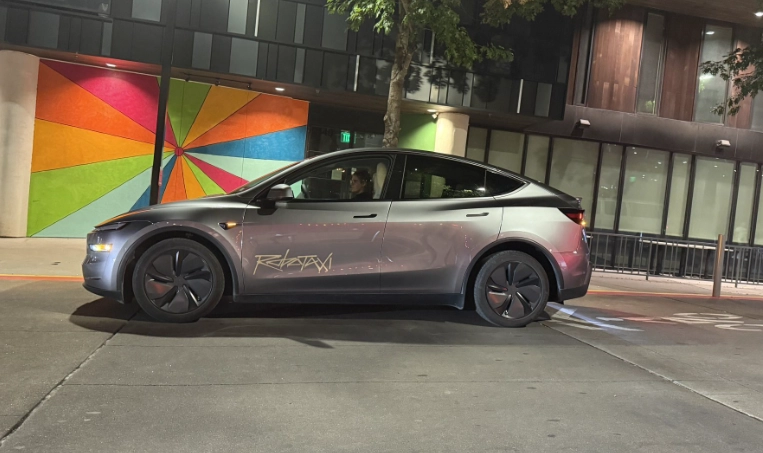
The Real Charging Strategy Nobody Talks About
The trip planner is smart, but you can be smarter. It optimizes for total trip time, which usually means shorter, more frequent charges at the peak charging speed (when the battery is between ~20% and 50%). This is efficient, but it might not match your biological needs.
I often override it. If I'm hungry and the car says I only need 10 minutes at a charger to reach the next one, I'll tell it to charge longer to reach a higher state of charge. This allows me to skip the next planned stop entirely and stop where I want to—maybe at a Supercharger next to a better restaurant or park.
Another pro tip: use the in-car energy graph. It shows predicted consumption versus actual in real-time. If you're driving uphill into a headwind and the line dips below the prediction, you'll know early that you might need a few extra minutes at the next charger. It turns range anxiety into simple math.
Is This Package Right For You? The Honest Pros & Cons
It's not perfect for every single traveler. Let's break it down.
The Good Stuff:
- Dramatically Reduced Driver Fatigue: This is the number one benefit. You arrive fresher.
- Eliminated Planning Anxiety: No more cross-referencing PlugShare, EA, and Google Maps. The car is your guide.
- Predictable Costs: Supercharging costs are clear and billed automatically. Often cheaper than gas, especially with off-peak rates.
- It Gets Better: Software updates can improve Autopilot behavior, charging speed, and route planning. Your "package" upgrades itself.
The Trade-offs:
- You're on Tesla's Map: You're heavily incentivized to use Superchargers, which are sometimes behind a shopping center, not at a classic roadside stop.
- Peak Hour Charging Wait: On major holiday weekends, popular Supercharger corridors can have lines. The in-car nav now shows wait times, which helps.
- The Mental Shift: You stop thinking in miles to empty and start thinking in time to next charge and battery percentage. It's different.
- Upfront Cost: The Enhanced Autopilot or FSD features that enable advanced lane changing and navigation are expensive add-ons. Basic Autopilot is standard and is the core of the experience.
Pro Tips From a High-Mileage Owner
These aren't from the manual. They're from the road.
Destination Charging is a Secret Weapon. If you're staying at a hotel, filter for "EV Charging" on Tesla's booking partner site or call ahead. Waking up to a full "tank" from a slow overnight charger completely changes the next day's itinerary. You might skip the first Supercharger altogether.
Preconditioning is Key. About 30 minutes before arriving at a Supercharger, the car will start warming the battery (you'll see a message). This ensures maximum charging speed. If you navigate to the charger, it happens automatically. Don't skip this step.
Pack for Comfort, Not Just Space. The cabin is quiet. The ride is firm but composed. Bring a pillow for the passenger, a sunshade for the massive windshield, and use the built-in entertainment (Netflix, YouTube) at chargers. It turns downtime into break time.
I learned the hard way that relying solely on the touchscreen for climate control while navigating can be distracting. Use the voice command: "Set driver temperature to 70 degrees." It works surprisingly well and keeps your eyes on the road.
Your Road Trip Questions, Answered