That little orange engine light on your dashboard just lit up. Your stomach drops. You immediately picture a massive repair bill and a day wasted at the mechanic. What if you could get a solid idea of what's wrong before you even pick up the phone? That's the promise of auto diagnostics online. It's not magic, but with a cheap piece of hardware and your smartphone, you can read your car's own trouble codes, understand basic data, and decide if it's a simple fix or a job for the pros. This guide cuts through the hype and shows you exactly how it works, what tools you need, and the critical limitations you must know to avoid costly mistakes.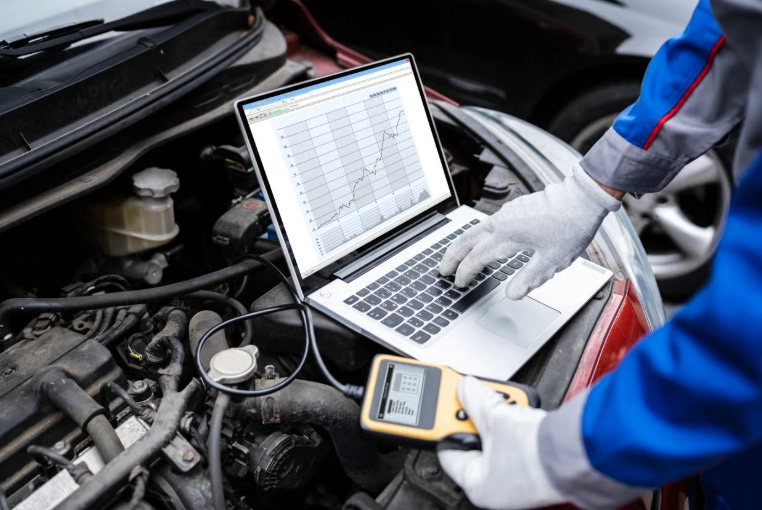
What You'll Learn in This Guide
What Are Online Auto Diagnostics Tools?
Think of your car's computer (the ECU) as a constantly talking diary. When something goes wrong, it writes down a code—like "P0301" for a misfire in cylinder 1. For decades, only mechanics with expensive scanners could read this diary. Online diagnostics changed that.
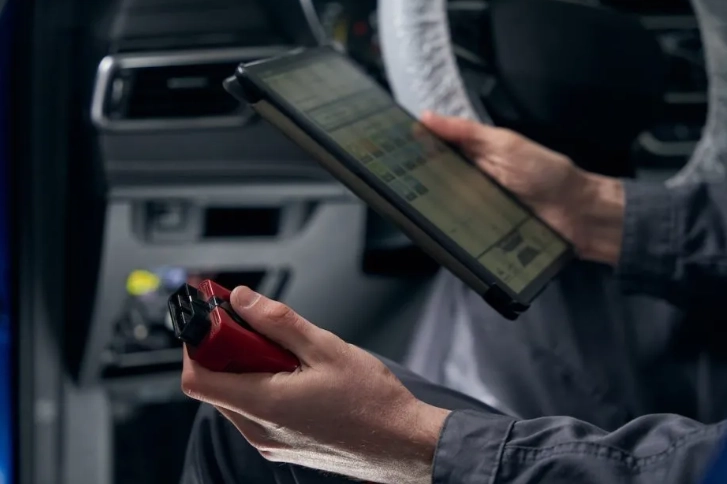
These tools bridge the physical and digital worlds. You plug a small device into your car's OBD2 port (under the dash, near the steering wheel, on almost every car made after 1996). This device talks to your car's computer. Then, it sends that data wirelessly to an app on your phone or a website on your laptop. The app translates the raw codes and sensor data into something you can understand.
The Three Main Flavors of DIY Scanners
Not all scanners are created equal. Picking the right one depends on how deep you want to go.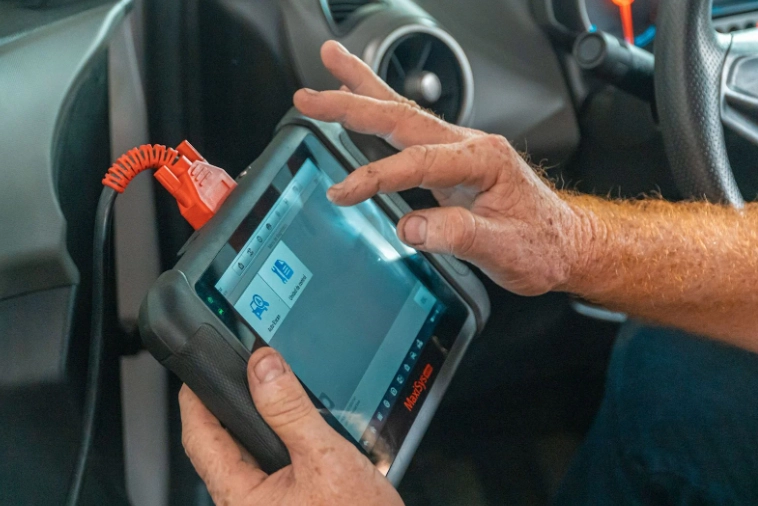
| Tool Type | How It Works | Best For | Cost Range |
|---|---|---|---|
| Basic Bluetooth/Wi-Fi Adapter + App | Plug-in dongle pairs with a free/paid phone app (like Torque Pro, OBD Fusion). Reads codes, clears them, shows live sensor data. | Curious beginners, reading/clearing check engine lights, basic monitoring. | $20 - $60 |
| Professional-Grade Handheld Scanner | A dedicated device with a screen (think Autel, Launch). Often has bi-directional control, advanced functions, and manufacturer-specific codes. | Serious DIYers, advanced diagnostics, coding, and module testing. | $150 - $500+ |
| Subscription-Based Remote Expert | You use a basic dongle, but the data is sent to a professional mechanic online who reviews it and gives you a diagnosis and repair estimate. | Someone who wants a professional opinion without the shop visit fee first. | Dongle cost + Service fee (~$30-$100) |
I started with a $25 Bluetooth dongle from Amazon and the Torque app. It felt like unlocking a secret panel. I could see my coolant temperature, fuel trim, and oxygen sensor voltage in real time. But I quickly hit its limits—it gave me generic OBD2 codes, not the more precise manufacturer-specific codes my Volkswagen needed.
How to Perform an Online Auto Diagnostic Scan: A Step-by-Step Guide
Let's walk through the process with a basic Bluetooth adapter, which is where most people start.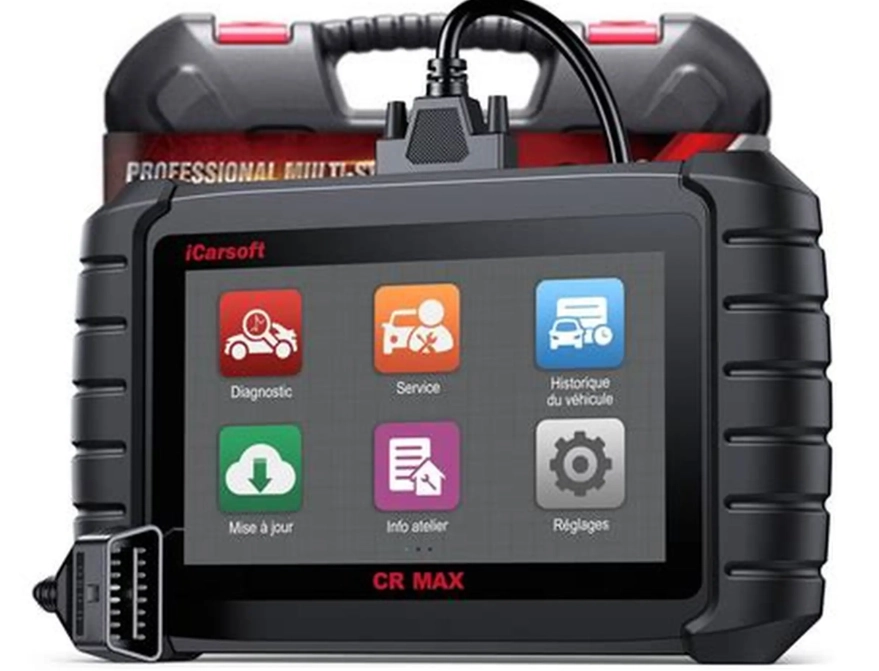
Step 1: Gear Up
You need two things: an OBD2 adapter and a compatible app. For the adapter, brands like Veepeak, BAFX, and OBDLink are reliable. Avoid the absolute cheapest no-name dongles; they often have connectivity issues. For the app, Torque Pro (Android, ~$5) is a powerhouse. On iPhone, OBD Fusion or EngineLink are solid choices.
Step 2: Connect and Communicate
Find your OBD2 port. It's always within 2 feet of the steering column. Plug the adapter in. Turn your ignition to the "ON" position (you don't need to start the engine). Open your app, go to settings, and pair the Bluetooth device. The app should establish a connection. If it doesn't, that's usually the adapter's fault—try another one.
Step 3: Read the Codes
Tap "Scan" or "Read Codes." The app will query the car's computer. If there are any stored codes (pending or confirmed), they will pop up as a list. Write them down. The code format is standard: a letter followed by four digits (e.g., P0420, C1234). The first letter tells you the system: P for Powertrain (engine/transmission), C for Chassis, B for Body, U for Network.
Step 4: The Most Critical Step: Interpretation
This is where you go online, but not just for the code definition. A quick Google search for "P0420" will tell you "Catalyst System Efficiency Below Threshold." So, a bad catalytic converter, right? Maybe.
Dig deeper. Search for "[Your Car Make, Model, Year] P0420 common causes." For a 2005 Honda Accord, you'll find forums flooded with posts pointing to faulty oxygen sensors before the catalytic converter as a prime culprit—a much cheaper fix. This contextual, model-specific research is what separates an informed DIYer from someone who buys unnecessary parts.
Step 5: Look at Live Data
If the code is related to sensors or performance, use the app's live data feature. For a misfire code (P0300), you can watch the misfire counters for each cylinder while the engine runs. For an oxygen sensor code, graph the voltage of the upstream and downstream O2 sensors. A healthy upstream sensor will switch rapidly between rich and lean. A lazy graph points to a bad sensor. This visual proof is invaluable.
Real-World Case Study: Diagnosing a P0420 Code
My neighbor's 2010 Toyota Camry had the check engine light on. Code P0420. The local shop quoted $1,200 for a new catalytic converter. He asked me to look at it with my scanner.
We plugged in. I pulled the live data for the two oxygen sensors (Bank 1, Sensor 1 and Sensor 2). Sensor 1, before the cat, was switching voltage rapidly as it should. Sensor 2, after the cat, was also switching—and that was the problem. A healthy downstream sensor should have a slow, steady voltage, showing the cat is cleaning up the exhaust. Its rapid switching mimicked the upstream sensor, proving the cat wasn't working.
But before condemning the cat, we checked for exhaust leaks (a common fake-out for this code) with a simple trick—spraying soapy water around the exhaust manifold while the engine was cold and running. No bubbles. We also checked the fuel trim, which was normal, ruling out a engine misfire killing the cat.
The diagnosis was solid: a failed catalytic converter. However, by knowing the exact code and verifying it with live data, he was able to shop around confidently for a cheaper aftermarket cat or a reputable muffler shop, saving several hundred dollars over the dealer quote. The scanner paid for itself ten times over in that one instance.
When Online Diagnostics Aren't Enough
This is the part the tool sellers don't highlight. There are hard limits.
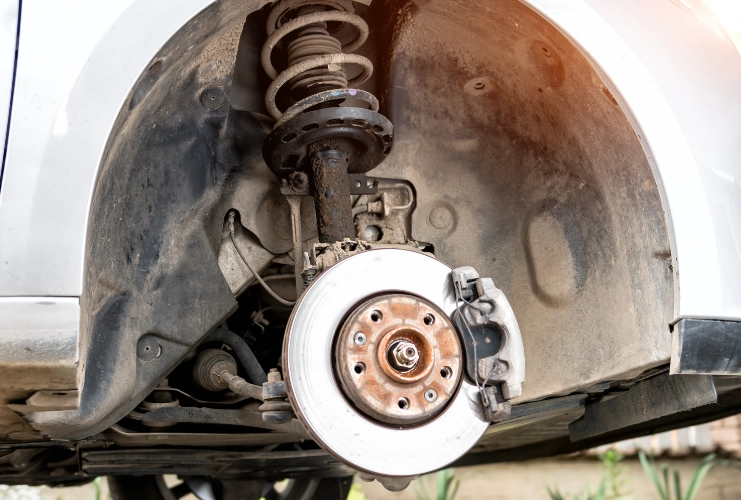
You can't diagnose a clunking suspension, a worn wheel bearing, or a failing alternator (until it sets a code) with a scanner. It's blind to mechanical, hydraulic, and electrical faults outside the computer's sensors.
Modern cars are networks. A problem in the infotainment system (U-code) or a blind-spot monitoring radar might require a dealer-level scanner to calibrate or reprogram after replacement. Your $30 dongle can't do that.
Safety first. Never use online diagnostics for problems with brakes, steering, or airbags unless you are simply reading a stored code before immediately going to a professional. These are not systems for experimentation.
Your Questions Answered (FAQ)
 I cleared my check engine light with a scanner, and it stayed off. Is the problem fixed?