Let's be honest. When most people think about electric vehicles, the first thing that comes to mind is the battery. Range anxiety, charging speed, kilowatt-hours. It's all about the powertrain. But after spending the last decade testing and living with everything from early Nissan Leafs to the latest Lucid Airs, I've seen a fundamental shift. The real revolution isn't just under the hood—it's in the software. A smart electric vehicle isn't a car that happens to be electric. It's a connected, updateable, intelligent device that you drive. And understanding that distinction is the difference between buying a great car and buying a platform that gets better over time.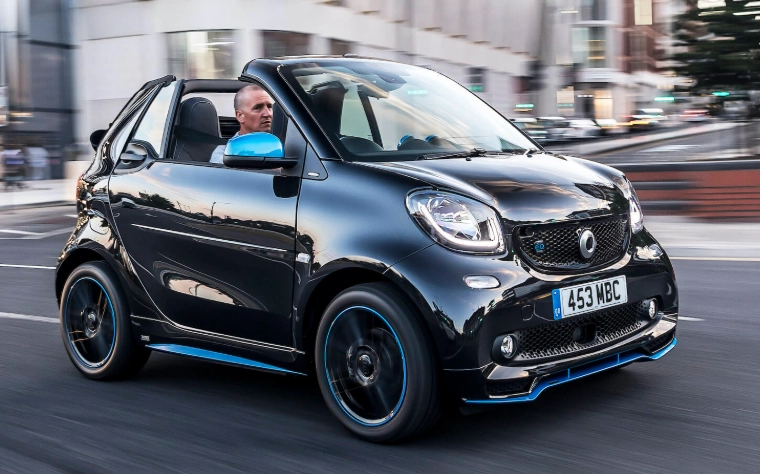
The mistake I see most often? Buyers get hypnotized by the 0-60 time or the max range figure on the window sticker, then completely overlook the software experience that they'll interact with every single day. That's like buying a smartphone based only on battery size while ignoring the operating system.
What You'll Learn in This Guide
What Actually Makes an EV "Smart"? (It's Not Just a Big Screen)
Throw out the brochure. A massive touchscreen is a symptom, not the cause. True intelligence in an EV comes from integrated systems that anticipate, adapt, and simplify. It's the difference between a car that has technology and a car that is technology.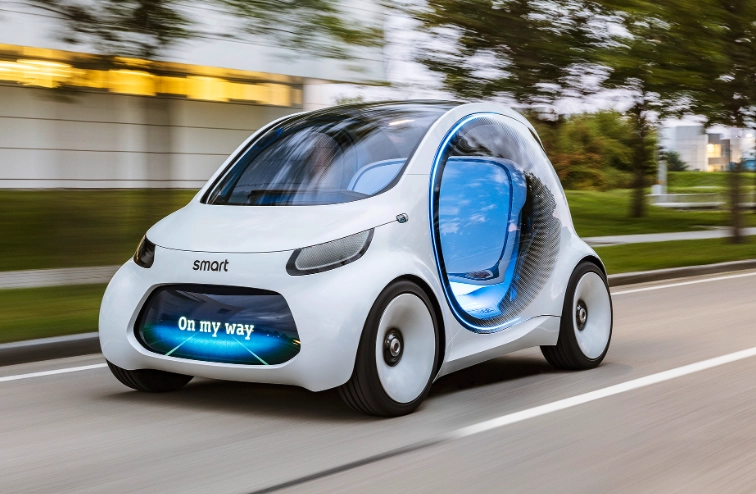
I categorize smart features into three layers: Navigation & Efficiency, Safety & Awareness, and Convenience & Personalization.
Layer 1: The Brainy Navigator
This is where the magic starts. A smart EV's navigation system doesn't just find the shortest route; it finds the most energy-efficient one. It factors in real-time traffic, elevation changes, weather (headwinds are a battery killer), and, crucially, the charging network.
Here's a specific example most reviews miss: Tesla's system will pre-condition the battery as you approach a Supercharger, ensuring you get peak charging speed the moment you plug in. Other brands are catching up, but the seamlessness varies wildly. A system that simply shows you chargers on a map isn't smart—it's a digital Yellow Pages. A smart system tells you, "You'll arrive with 12% charge, the third stall is fastest, and here are two coffee shops within a 3-minute walk while you wait 18 minutes."
Layer 2: The Watchful Guardian
Advanced Driver-Assistance Systems (ADAS) are common, but in a smart EV, they're deeply integrated with the electric drivetrain. Regenerative braking can be automatically adjusted based on traffic flow data or the car's perception of obstacles ahead. Some systems, like GM's Super Cruise or Ford's BlueCruise on certain electric models, use detailed maps and driver monitoring to enable hands-free driving on compatible highways—a feature that genuinely reduces fatigue on long trips.
The key is sensor fusion. It's not about having more cameras; it's about how the software weaves data from cameras, radars, and ultrasonic sensors into a coherent understanding of the world. A test drive won't reveal this. You need to read deep-dive technical reports from sources like Consumer Reports or the IIHS to see how these systems perform in edge cases.
Layer 3: The Personal Assistant
This is the layer you feel every day. Over-the-air (OTA) software updates are the hallmark. My 3-year-old Tesla has gained new features, improved its range estimate accuracy, and even made its automatic wipers work better (they're still not perfect, mind you) through updates. It feels like a new car every few months.
Then there's connectivity. A good smart EV app lets you precondition the cabin, check charge status, and lock doors. A great one, like the one from Ford for the Mustang Mach-E, lets you set up a daily schedule for charging (to take advantage of off-peak rates) and can integrate with your home's Wi-Fi for faster update downloads.
>Tesla, Rivian, newer BMW i models>GM (Super Cruise), Ford (BlueCruise), Tesla (Autopilot)>Tesla, Rivian, Lucid, Ford, Polestar>Ford F-150 Lightning, some Nissan Leafs, upcoming models| Smart Feature Category | What It Does | Brands Doing It Well (Examples) | Why It Matters |
|---|---|---|---|
| Predictive Navigation & Charging | Plans routes with charging stops, pre-conditions battery, accounts for weather/traffic. | Eliminates range guesswork, reduces total trip time. | |
| Integrated ADAS | Combines EV regen with adaptive cruise, offers hands-free highway driving. | Reduces driver fatigue, enhances safety, optimizes energy use. | |
| Over-the-Air (OTA) Updates | Delivers new features, performance tweaks, and bug fixes wirelessly. | Car improves after purchase, fixes issues without dealership visits. | |
| Vehicle-to-Grid (V2G) / Home (V2H) | Uses car battery to power home during outage or feed grid. | Transforms car into a backup power source, can save on energy costs. |
The Real Ownership Costs of a Smart EV
Everyone talks about saving on gas. That's the easy math. The harder, more nuanced math involves the smart features.
The Subscription Trap. This is the big one. BMW tried (and faced backlash) for charging a monthly fee for Apple CarPlay. Tesla charges $99 per month or $1,000 per year for its "Full Self-Driving" package. GM's Super Cruise requires an active OnStar plan after an initial trial. When you're comparing MSRPs, you must ask: "What features are included for life, and what becomes a subscription?" That $50,000 car could have a $100/month tail for its best features.
Data Plans. For OTA updates and live traffic/charging info, the car needs cellular connectivity. Most include this free for 3-10 years, but then it may revert to a paid plan. Factor that into your long-term budget.
Potential Repair Complexity. A cracked windshield on a car with a camera-based ADAS system isn't just a glass job. It's a glass job plus a multi-point camera calibration that only the dealer or a specialized shop can do, often adding $500-$1000 to the bill. Check your insurance rates accordingly.
How to Choose the Right Smart EV for You
Forget the "best overall" lists. The right smart EV depends entirely on your tech tolerance and lifestyle.
The Tech-Forward Pioneer: You want the cutting edge, even if it's a bit rough. You're comfortable with beta software. Your priority is the most advanced driver-assist and the most aggressive OTA update schedule.
Look at: Tesla, Rivian. Be prepared for occasional quirks.
The Integrated Life Manager: You want technology that simplifies, not complicates. Seamless phone integration, reliable app control for pre-conditioning, and smart charging that works with your utility's time-of-use rates are key.
Look at: Ford Mustang Mach-E, Hyundai Ioniq 5/6, Kia EV6. They offer strong, user-friendly tech without the bleeding-edge feel.
The Luxury Connector: You expect premium materials, sublime comfort, and tech that feels integrated and polished, not flashy. Digital interfaces should be intuitive, not overwhelming.
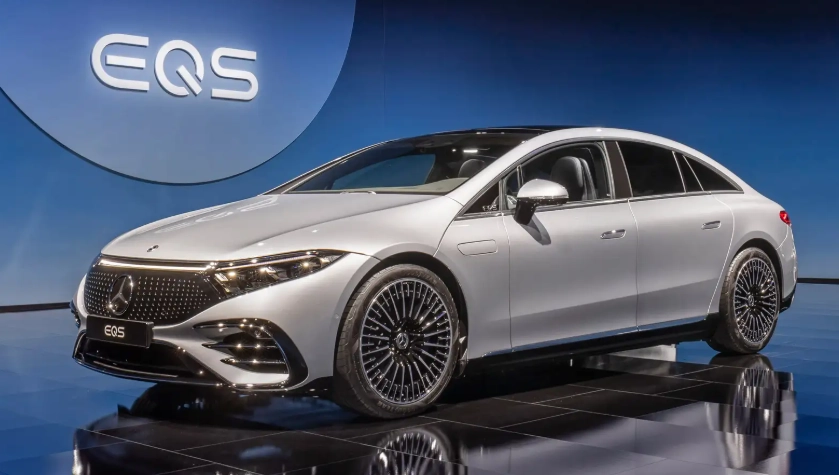
Look at: Lucid Air, Mercedes-Benz EQE/EQS, Genesis Electrified models. The tech is there, but it's often layered behind more traditional interfaces.
Here's a non-negotiable step during your test drive: Test the software, not just the car. Don't just drive around the block.
- Pair your phone. How many steps does it take?
- Enter a destination 200 miles away into the native nav. Does it automatically plan charging stops? How accurate is the arrival charge prediction?
- Use the voice command to "lower the temperature and find a coffee shop." Does it work?
- Explore the settings menu. Is it logical, or a labyrinth?
Common Pitfalls and How to Avoid Them
I've watched too many friends make these mistakes.
Pitfall 1: Assuming All OTA Updates Are Equal. Some manufacturers use OTAs only for minor map and bug fixes. Others, like Tesla and Rivian, deliver significant new functionality. Ask the salesperson for specific examples of feature-added updates the model has received in the past year. If they can't name any, it's a glorified bug-fix system.
Pitfall 2: Overlooking the Mobile App. Download the brand's app before you buy. Read the recent reviews. Are people complaining about failed connections, slow refreshes, or features not working? The app is your primary remote interface with the car. A clunky app means a clunky daily experience.
Pitfall 3: Ignoring the Processor. That beautiful screen needs serious computing power. An underpowered processor leads to laggy responses, slow map rendering, and a system that feels outdated in two years. Ask what chipset the infotainment system uses. It's not a nerdy question—it's asking about the brain of your car's smart features.
Future-Proofing Your Smart EV Purchase
A gasoline car is essentially frozen in time the day you drive it off the lot. A smart EV is a living product. To ensure yours ages well:
Hardware Matters. If you're considering a higher-level autonomous driving package, ensure the car has the necessary hardware (like a full sensor suite) baked in, even if you don't buy the software now. It's often impossible to add these sensors later.
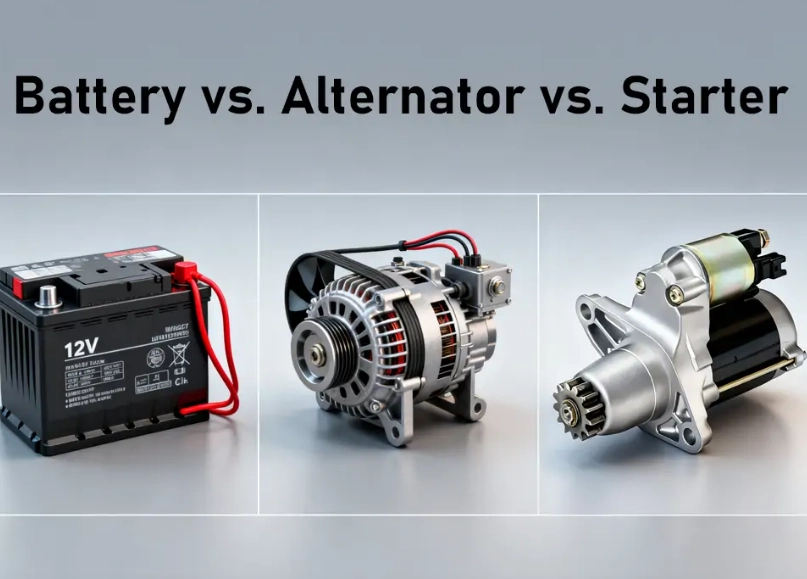
Battery Technology Contracts. Most smart features, especially those that keep the car "awake" for connectivity, cause a small but constant drain on the 12-volt battery (yes, EVs still have one). Make sure your driving habits are sufficient to keep the main battery charged, which in turn keeps the 12V topped up. A report from Recurrent Auto has shown that frequent, short trips with lots of connected services running can lead to 12V battery issues on some models.
Community is Key. Join online forums or Reddit groups for the specific model you're buying. That's where you'll learn about real-world software quirks, upcoming update rumors, and tips that the manual never mentions.
Smart EV Questions You Were Afraid to Ask
The journey to a smart electric vehicle is exciting. You're not just choosing a mode of transport; you're choosing a technological companion. By looking past the spec sheet and focusing on how the software and connectivity will integrate into your daily life, you'll find a vehicle that doesn't just get you from A to B—it makes the entire experience smarter, safer, and surprisingly more enjoyable. Just remember to read the fine print on those subscriptions.