That little orange engine light pops on, and your heart sinks a bit. Is it a loose gas cap or a failing catalytic converter? A decade ago, you were at the mercy of a mechanic's diagnostic fee just to find out. I remember paying $120 for a shop to tell me my oxygen sensor was bad, only to later find a $50 scanner could have given me the same code in 30 seconds. Today, car problem diagnosis tools put that power in your hands. But with hundreds of options from $20 Bluetooth dongles to $2000 professional suites, which one should you buy? More importantly, how do you use it without making things worse? Let's cut through the marketing fluff.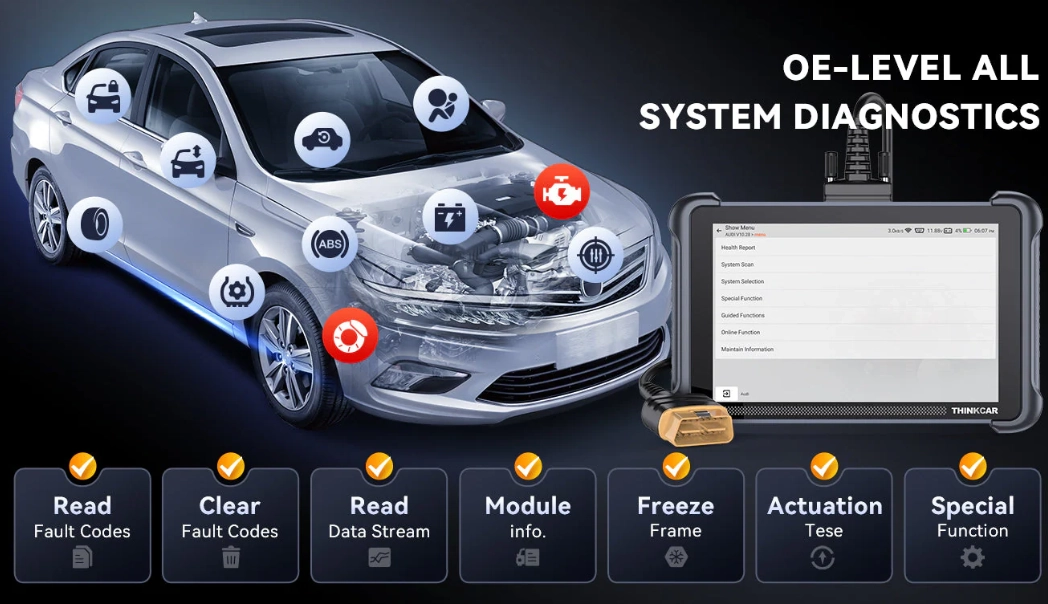
What's Inside This Guide
- What Exactly Is a Car Diagnostic Tool?
- The Two Main Types of Scanners: Which One Do You Need?
- How to Choose the Right Car Diagnostic Tool: A 5-Point Checklist
- Step-by-Step: How to Diagnose a Car Problem with Your Tool
- Specific Tool Recommendations for Different Needs
- Common Mistakes Even Experienced DIYers Make
- Your Burning Questions Answered (FAQ)
What Exactly Is a Car Diagnostic Tool?
At its core, a car diagnostic tool is a communication device. Your car's computer, the Engine Control Unit (ECU), is constantly monitoring dozens of sensors. When something falls outside normal parameters, it logs a trouble code and often illuminates the dreaded check engine light (CEL). A diagnostic tool plugs into your car's OBD-II port (usually under the dashboard near the steering column) and talks to the ECU. It retrieves these codes and, in many cases, live data from the sensors themselves.
Think of it like this: the check engine light is your car saying "I feel sick." The diagnostic code is the specific symptom—"fever of 102°F." A basic tool just reads the symptom code (e.g., P0301 - Cylinder 1 Misfire). A more advanced tool lets you check the vital signs in real-time—fuel trim, oxygen sensor voltage, engine load—to figure out the cause of the fever.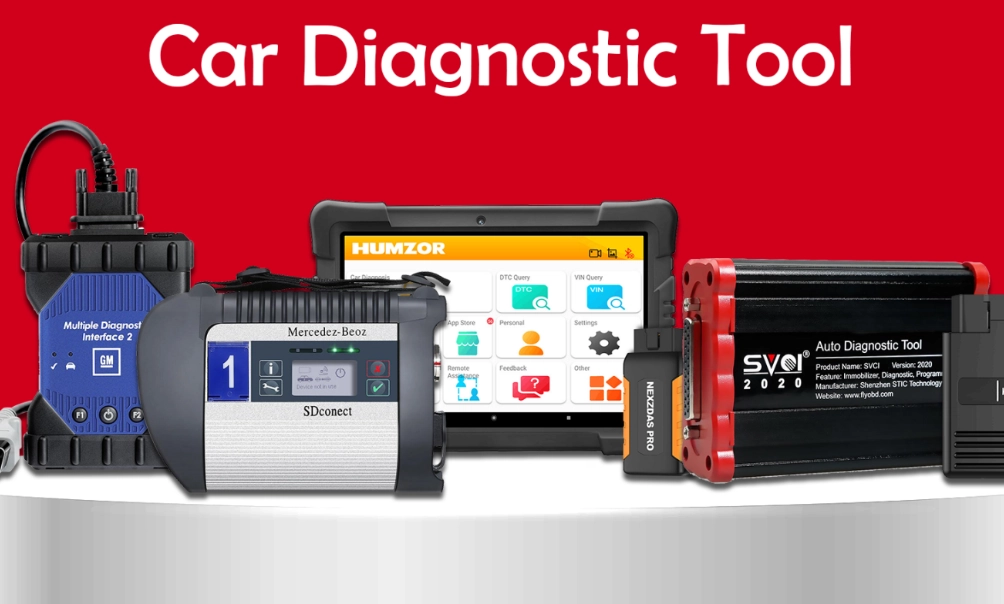
Key Takeaway: The tool doesn't fix your car. It tells you where to look. A code for a misfire doesn't mean you need new spark plugs. It could be a bad coil, a fuel injector, or even a vacuum leak. The tool provides the starting point for the investigation.
The Two Main Types of Scanners: Which One Do You Need?
This is where most people buy the wrong thing. You can broadly group tools into two camps.
1. Code Readers & Basic OBD2 Scanners
These are the entry point. They read and clear generic powertrain codes (those starting with P0, like P0420 for catalytic converter efficiency). They're great for answering the basic question: "Why is my check engine light on?" and turning it off after you've (hopefully) fixed the issue. The super-cheap ones are just code readers. For a bit more, you get a basic OBD2 scanner that might show you freeze frame data—a snapshot of engine conditions when the code was set.
Who it's for: The casual driver who just wants to avoid a mechanic's diagnostic fee for simple light resets or pre-purchase inspections. It's a peace-of-mind purchase.
The limitation nobody talks about: Modern cars have up to 30 different computer modules (for ABS, airbags, transmission, etc.). A basic scanner only talks to the engine computer. That rattling noise from your transmission? A P-code reader won't help you.
2. Advanced Diagnostic Scan Tools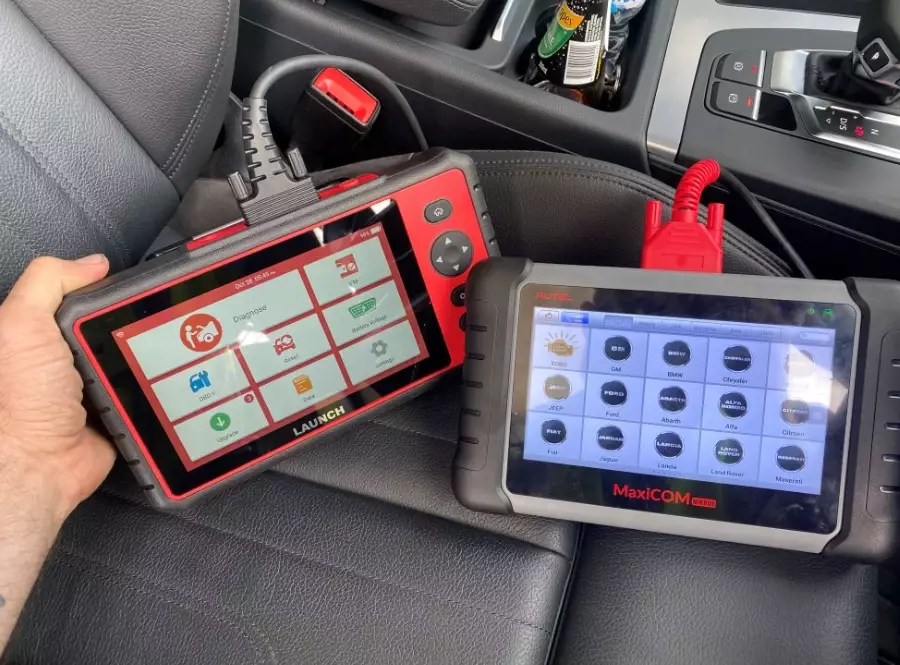
This is the professional and serious DIYer territory. These tools access all the car's modules—not just engine, but ABS, SRS (airbags), body control, and more. They read manufacturer-specific codes (P1, U, B, and C codes) that give much more precise information. Crucially, they display live data.
Live data is the game-changer. You can watch the oxygen sensor voltage oscillate, see if the Mass Air Flow sensor reading matches the RPM, or monitor fuel pressure in real time while driving. This turns diagnosis from guesswork into detective work. Many also offer bi-directional controls, letting you actuate components like fuel pumps or solenoids to test them.
Who it's for: The hobbyist who does their own repairs, the aspiring technician, or anyone with a European car (BMW, Mercedes, VW) where generic codes are often useless.
| Feature | Basic Code Reader | Advanced Diagnostic Tool |
|---|---|---|
| Primary Function | Read/Clear Check Engine Light Codes | Full-System Diagnosis & Live Data |
| Codes Accessed | Generic OBD2 (P0xxx mostly) | All Codes (P, B, C, U, Manufacturer-specific) |
| Modules Accessed | Engine (ECU) only | All (Engine, Transmission, ABS, Airbag, etc.) |
| Live Data Streaming | Rare or Limited | Yes, Extensive |
| Bi-directional Controls | No | Often Included |
| Typical Price Range | $20 - $100 | $100 - $500+ |
| Best For | Quick CEL checks, resetting lights | Actual troubleshooting, complex repairs |
How to Choose the Right Car Diagnostic Tool: A 5-Point Checklist
Don't just buy the top result on Amazon. Think about these five things.
1. Vehicle Compatibility: This is rule number one. Most tools work on all 1996 and newer US cars (OBD2 mandate). But if you own a European, Asian, or newer domestic truck, you need to verify the tool covers your specific make. A tool might say "works on all OBD2 cars" but only give full functionality on Fords and Chevys. Check the manufacturer's vehicle coverage list.
2. Functionality vs. Future Needs: Buying a basic reader when you plan to keep your car for years is a false economy. If you see yourself doing more than oil changes, invest in a tool with live data. That $150 investment will pay for itself the first time you diagnose a failing sensor instead of throwing parts at the problem.
3. Ease of Use & Software Updates: A clunky interface makes the tool frustrating. Look for a clear screen, intuitive menus, and—critically—regular, affordable software updates. Car systems change yearly. A tool without updates becomes a paperweight. Companies like Autel and Launch are known for good support.
4. Data Depth & Access: Can it graph live data? Two sensors at once? This is vital for spotting correlations (e.g., does the fuel trim spike when the O2 sensor flatlines?). For modern cars, you want something that can access the Transmission and ABS modules at a minimum.
5. Your Budget (Be Honest): If $50 is your max, get a well-reviewed Bluetooth OBD2 adapter like the Veepeak OBDCheck and pair it with a powerful app like Torque Pro ($5) on your phone. It's a surprisingly capable combo for live data. If you can spend $200-$400, you're in dedicated advanced scanner territory.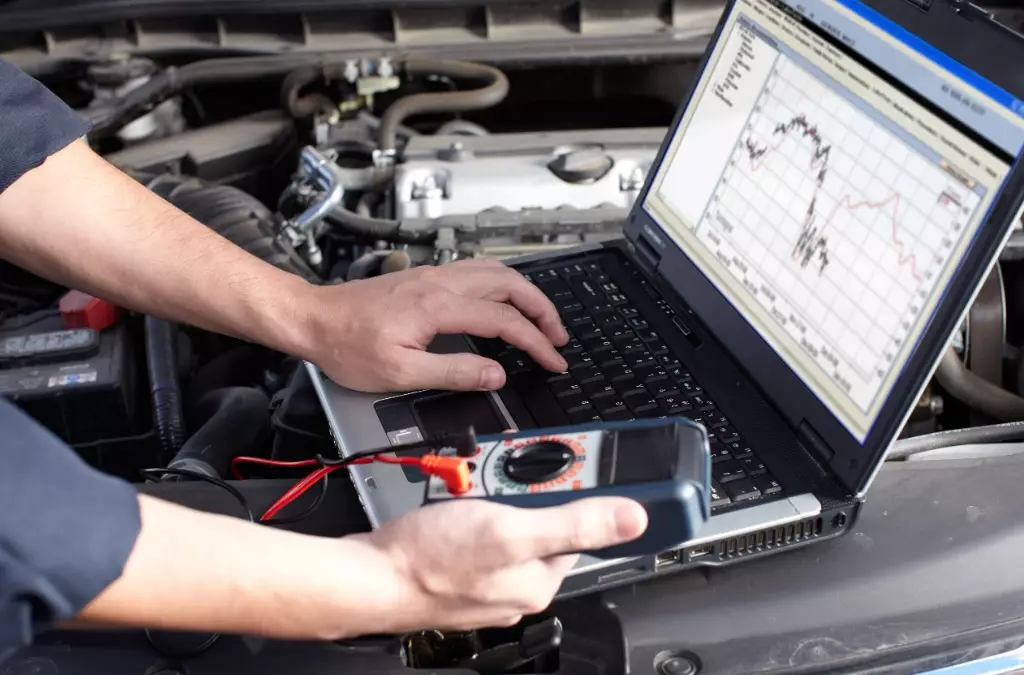
Step-by-Step: How to Diagnose a Car Problem with Your Tool
Let's walk through a real scenario. Your 2012 Honda Accord has a rough idle and the CEL is flashing.
- Locate the OBD2 Port: Driver's side, under the dash near the steering column. Plug in your scanner.
- Turn Ignition to "On": Don't start the engine. Power up your tool.
- Read Codes: Select "Read Codes" or similar. You get P0301 (Cylinder 1 Misfire) and P0304 (Cylinder 4 Misfire).
- Check Freeze Frame Data: See when the code set. Engine was at 650 RPM, low load, coolant temp 190°F. This tells you it's an idle misfire, not under acceleration.
- Live Data Investigation: Go to live data. Look at Short Term Fuel Trim (STFT) and Long Term Fuel Trim (LTFT). They're both significantly positive (+15%), indicating the computer is adding fuel because the mixture is lean.
- Narrow It Down: A lean condition causing random misfires? Could be a vacuum leak, not bad coils or plugs. I'd then use a propane enrichment tool (or carefully spray carb cleaner) around the intake manifold gasket and vacuum hoses while watching the fuel trim. If the trim suddenly drops toward zero, you found the leak.
- Clear Codes & Test Drive: After fixing the suspected vacuum hose, clear the codes. Take a test drive. If the problem is fixed, the light should stay off.
Warning: Never clear codes to sell a car without fixing the problem. It's unethical, and most buyers' pre-purchase inspection will reveal the codes are in "monitor not ready" status, which is a huge red flag.
Specific Tool Recommendations for Different Needs
Based on years of tinkering and talking to pros, here are specific models that deliver.
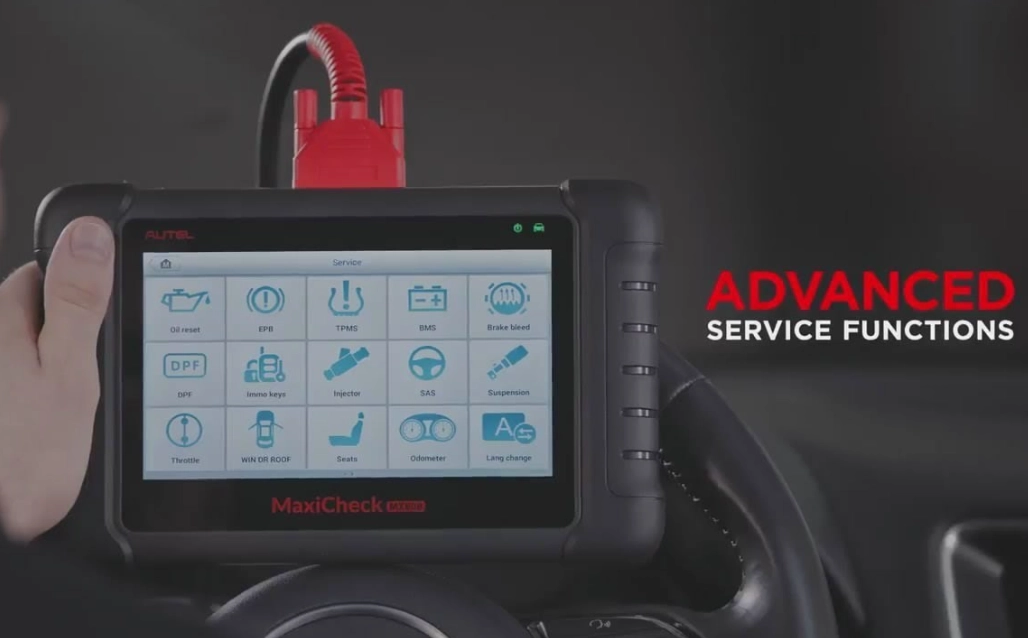
For the Professional or Serious Enthusiast: Autel MaxiCOM MK808BT. This is my personal go-to. It's not the cheapest ($400-500), but it's a beast. Full systems coverage, great bi-directional controls, excellent live data graphing, and it updates regularly. The wireless Bluetooth connection to a tablet is a game-changer for working under the hood. The downside? The interface can feel a bit technical for complete beginners.
For the Advanced DIYer on a Budget: BlueDriver Bluetooth Pro Scan Tool. This little blue dongle ($100) pairs with your smartphone. Don't let the size fool you. Its app is fantastic, providing repair reports linked to the codes (suggesting likely fixes based on common failures) and full live data. It's the best bridge between simple and pro. The main con is you need your phone with you, which can be awkward in a shop environment.
For the "Just Tell Me the Code" User: Innova 3100j. A solid, no-frills, dedicated handheld scanner. It reads and clears codes, shows some live data, and has a repair guide built-in. It's reliable, the screen is easy to read, and you don't need a phone. It lacks the depth of the others, but for 80% of CEL issues, it's enough.
Common Mistakes Even Experienced DIYers Make
Here's where that "10-year experience" insight comes in. I've made some of these myself.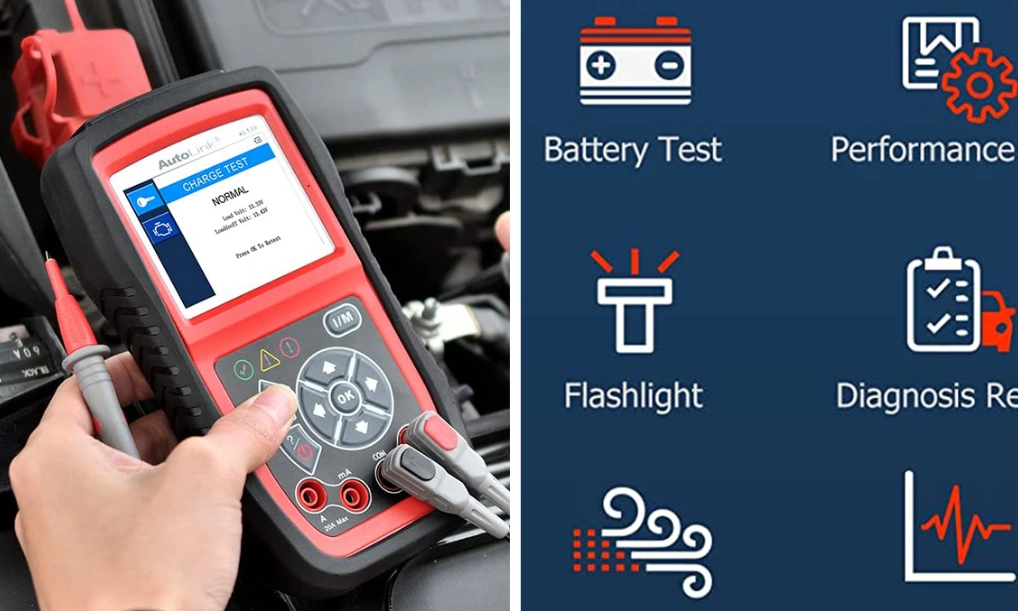
Mistake 1: Treating the Code as the Diagnosis. Code P0171 (System Too Lean) doesn't mean "replace the oxygen sensor." It means the engine is running lean. The cause could be a dirty MAF sensor, a vacuum leak, a weak fuel pump, or a faulty fuel pressure regulator. The code is the starting line, not the finish.
Mistake 2: Ignoring "Pending" Codes. Your scanner might show a "Pending" or "Intermittent" code. This is a fault that hasn't met the criteria to turn on the CEL yet. It's a golden early warning. If you see a pending misfire code, you can investigate before it strands you.
Mistake 3: Not Using Live Data Before Throwing Parts. That rough idle could be a bad ignition coil. Instead of buying all four coils, use your scanner's live data to look at misfire counts per cylinder. If only cylinder 3 is misfiring, swap its coil with cylinder 1's coil. Clear the codes, run the engine. If the misfire moves to cylinder 1, you've confirmed the bad coil with a $0 test.
Mistake 4: Assuming All Scanners Are Equal for All Cars. A $30 scanner might read basic codes on your BMW, but to diagnose an electronic parking brake or transmission adaptation issue, you'll need a more advanced tool with specific BMW software. Know your tool's limits on your specific vehicle.
Your Burning Questions Answered (FAQ)
Why won't my diagnostic tool read any codes or connect to my car?
First, check the fuse for the OBD2 port (usually in the cabin fuse box). It's a common failure point. Second, ensure the ignition is in the "On" position (dash lights on) but the engine is off. Third, verify compatibility—some very old 1996 cars or certain imports might use a non-standard protocol. If all else fails, try the tool on another car to isolate the problem.
Can a car diagnostic tool damage my car's computer?
It's extremely rare with modern, name-brand tools. The communication is read-only for most functions. The risk is higher with cheap, no-name tools from overseas or when using bi-directional controls incorrectly. Stick with reputable brands (Autel, Launch, Foxwell, BlueDriver, Innova) and you're safe. The bigger risk is shorting something while plugging it in with the key on.
My check engine light is on, but the scanner says "No Codes." What's happening?
This is frustrating. It usually means one of three things. First, the code is stored in a module your basic scanner can't access (like the transmission or body control module). You need an advanced scanner. Second, the light is on for a "monitor not ready" status (common after a battery disconnect), not an active fault. Third, and this is a sneaky one, the instrument cluster itself might have a fault illuminating the light falsely.
 Is it worth buying a professional-grade scanner for one car?
If it's a modern, complex car (especially European) and you plan to keep it long-term, absolutely. The cost of one dealer diagnostic session can be $150-$300. Two of those pay for a good scanner. It gives you control, saves you from unnecessary repairs, and increases your understanding of your vehicle. For an older, simpler car, a basic reader or mid-range tool is sufficient.
How often should I update my diagnostic tool's software?
At least once a year, or before tackling a major job on a newer model year vehicle. Manufacturers add new codes, parameters, and vehicle coverage. An out-of-date tool might not communicate with a new module or misdiagnose a new system. Factor the cost of updates (some are free for life, some are annual subscriptions) into your purchase decision.
The right car problem diagnosis tool transforms you from a passenger in your repair bill to the pilot. It demystifies that glowing dashboard and turns anxiety into actionable information. Start by defining your real needs—not just for today's check engine light, but for the repairs you might tackle tomorrow. Skip the absolute cheapest option, invest in something with live data capability, and take the time to learn its features. That knowledge, and the tool itself, will pay for itself over and over again.