Key Highlights
- Is It Really Time? The Unmistakable Signs You Need a New Battery
- The Big Decision: DIY Battery Replacement vs. Calling a Pro
- Where to Go: Navigating the World of Battery Replacement Services
- The Battery Replacement Process: What to Actually Expect
- What About the Old Battery? Disposal is Not Optional.
- Your Battery Replacement Questions, Answered
Let's be honest, battery problems always hit at the worst time. Your phone dies right before you need to show a boarding pass. Your car won't start on a rainy morning. Your laptop becomes a desktop because it needs to be plugged in constantly. We've all been there. The thought of dealing with a battery replacement can feel like a chore—figuring out if you really need it, where to go, how much it should cost, and whether you're getting ripped off.
I remember the time my car battery gave up in a grocery store parking lot. I called around, got quotes that varied by almost a hundred bucks, and ended up waiting for hours. It was a lesson learned the hard way. So, I dug deep, talked to mechanics, tech repair folks, and did a ton of research to save you the trouble.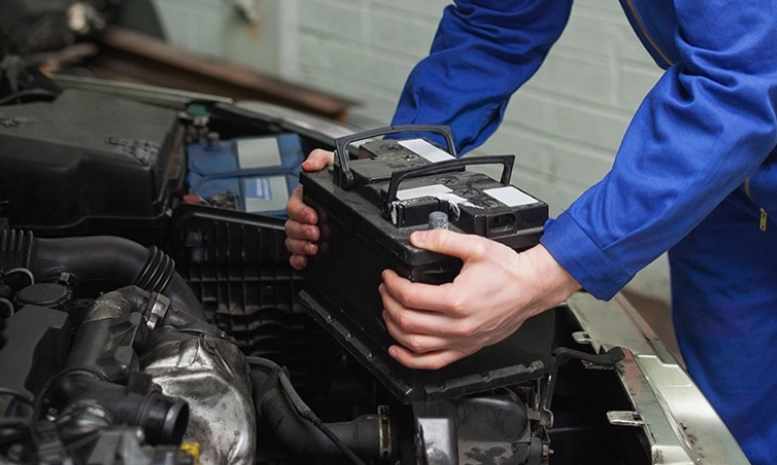
This guide is that research, boiled down. We're going to cut through the jargon and sales talk. We'll cover everything from the subtle signs your battery is begging for replacement, to the nitty-gritty of choosing between doing it yourself and paying a pro, and how to pick a service provider you can actually trust.
Is It Really Time? The Unmistakable Signs You Need a New Battery
First things first. How do you know a battery replacement is the actual solution, and not just a waste of money? Batteries don't usually die suddenly (though they can). They send signals. Missing these signals is what leads to those inconvenient failures.
For Your Car: More Than Just a Slow Crank
Everyone knows the classic "slow crank" sound. But there are other, sneakier signs. If your headlights seem noticeably dimmer when you're idling compared to when the engine is revving, that's your battery struggling. Modern cars are packed with electronics, and a weak battery can cause all sorts of gremlins—flickering dashboard lights, power windows moving slower, or even weird error codes popping up. One mechanic told me about a customer who kept having issues with their radio presets resetting. Guess what? Weak battery.
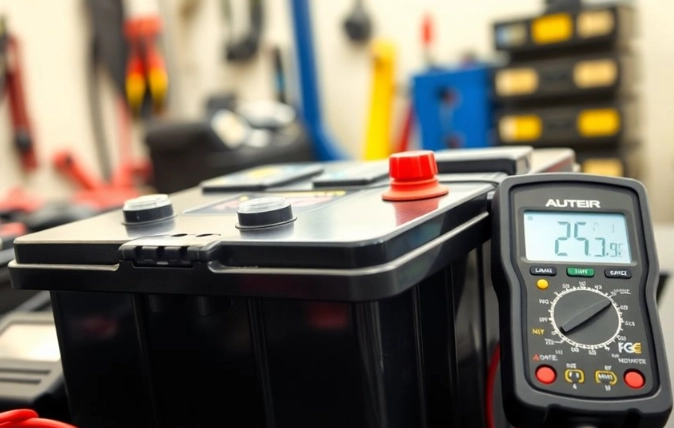
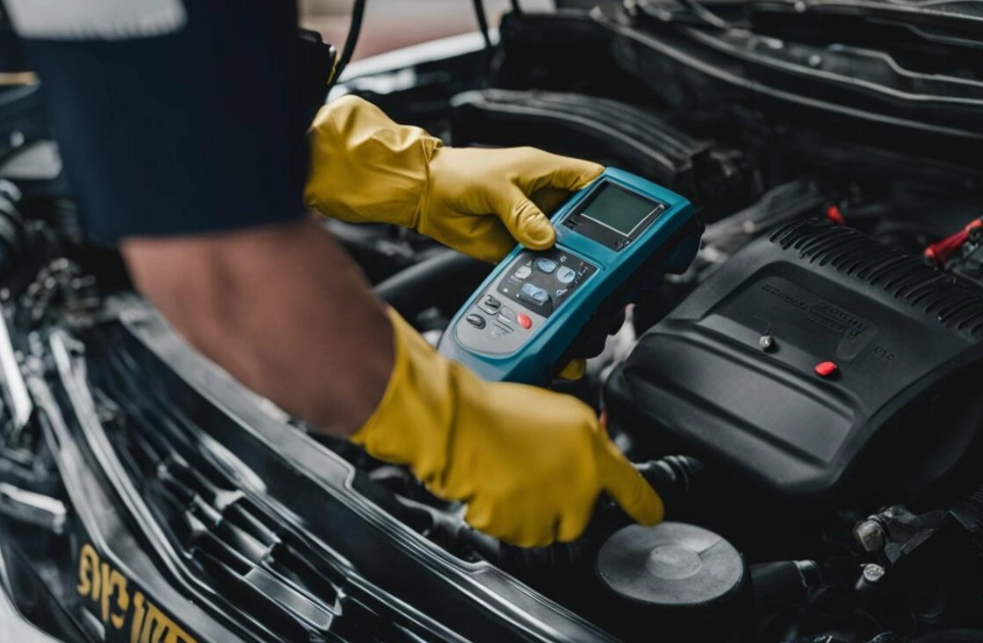
Most auto parts stores will test your car battery for free. It's a quick, no-obligation check that gives you a clear picture of its health (Cold Cranking Amps - CCA and state of charge). If it's over three years old and showing symptoms, the test usually confirms it's time.
For Phones and Laptops: The Gradual Decline
Phone and laptop batteries degrade with every charge cycle. It's chemistry, not a defect. The top sign? Your device's maximum charge capacity plummets. You charge it to 100%, and it drops to 30% in what feels like an hour of light use. Another big one is unexpected shutdowns. Your phone shows 20% battery, you open the camera app, and it just powers off. That battery can no longer deliver the necessary voltage under load.
Both iOS and Android have built-in battery health tools. Check them. If your maximum capacity is below 80%, a battery replacement will feel like getting a new device. The performance throttling that old batteries cause is real.
A quick but important warning: If your device is swelling or bulging, stop using it immediately. Do not charge it. This is a serious safety hazard and requires urgent, professional handling. A simple battery replacement just became a critical safety operation.
The Big Decision: DIY Battery Replacement vs. Calling a Pro
This is where most people get stuck. The appeal of saving money with a DIY job is strong. But so is the fear of breaking something expensive. The right answer isn't the same for everyone or every device.
Let me break it down with a table, because seeing it side-by-side helps.
| Consideration | DIY Battery Replacement | Professional Battery Replacement |
|---|---|---|
| Cost | Lower upfront (parts only). You buy the battery. | Higher (parts + labor). You pay for expertise and warranty. |
| Skill Level | Varies wildly. A car battery is often simple. A modern smartphone is complex, requiring heat, prying, and adhesive work. | Minimal from you. Requires finding a trustworthy pro. |
| Time & Effort | Your time, plus research, potential tool purchases, and risk of mistakes. | Drop off or wait. Time-efficient, but you're on their schedule. |
| Tools Needed | Car: Wrenches. Phone/Laptop: Precision screwdrivers, spudgers, heat gun/hair dryer, suction cup, sometimes specialty bits. | None from you. They have the full toolkit. |
| Risk | High if inexperienced. You can damage the device, injure yourself (batteries can be hazardous), or void warranties. | Low. Risk is transferred to the service provider, backed by their service warranty. |
| Warranty | Usually just the battery manufacturer's warranty on the part itself. | Service warranty covering both the part and the labor, often for 90 days to a year. |
My personal rule? Car battery: I do it myself if the terminals are easily accessible. It's often just two bolts. But for some modern cars where the battery is tucked under the windshield cowl or in the wheel well? I'm paying the $30 labor. Not worth the knuckle-busting.
Phone or laptop battery replacement? For any device that's still valuable or that I care about, I go to a pro unless I've done that exact model before. The parts are cheap. The cost of a mistake—a torn ribbon cable, a cracked screen, a punctured battery—is very high. I learned this after ruining an old iPhone's display cable. The money I saved on the battery went straight into buying a new screen.
Where to Go: Navigating the World of Battery Replacement Services
Okay, so you've decided a professional battery replacement is the way to go. Typing "battery replacement near me" into Google gives you a dizzying list. Dealerships, big-box stores, independent repair shops, mall kiosks. How do you choose?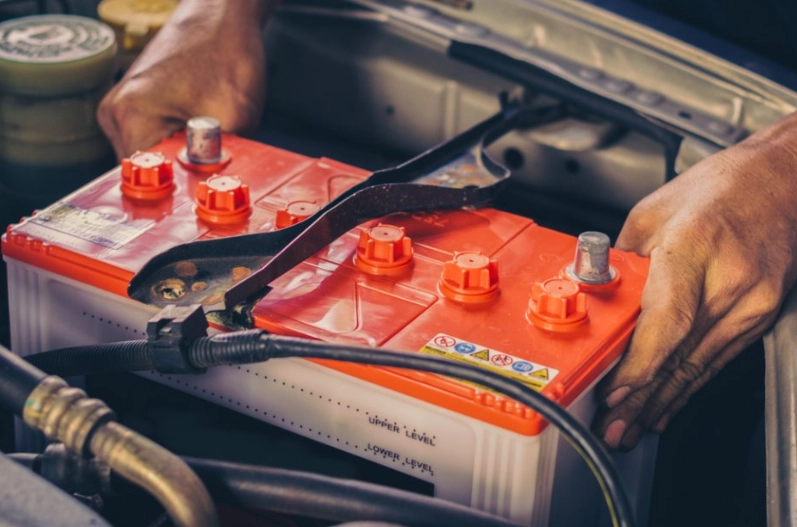
Your Checklist for Vetting a Service Provider:
- Warranty, Warranty, Warranty: This is the single most important factor. A shop confident in its work will offer a warranty on both the part AND the labor. 90 days is okay, a year is great. Read the fine print—does it cover just the battery failing, or also any damage they might cause during the replacement?
- Quality of Parts: Ask what brand of battery they use. For cars, brands like AC Delco, Interstate, or OEM are good signs. For electronics, ask if they use high-quality aftermarket batteries or OEM (Original Equipment Manufacturer) parts. There's a huge difference in lifespan. A cheap, no-name battery might save you $20 now but die in a year.
- Transparent Pricing: A good shop gives you an all-in quote over the phone or in person—part cost, labor, taxes, any disposal fees. Beware of super low "starting at" prices that balloon with "diagnostic fees" or "environmental fees."
- Reviews & Reputation: Don't just look at the star rating. Read the actual reviews on Google, Yelp, or Facebook. Look for patterns. Do people mention clean work, good communication, and honoring warranties? Or do reviews complain about upsells and broken devices?
- Certifications (For Electronics): For phone or laptop repair, see if technicians are certified by programs like iFixit or have manufacturer-specific training. It shows a commitment to proper technique.
The dealership will be the most expensive, often using OEM parts. They're a safe, if costly, bet. Independent auto shops can offer great value and expertise. For electronics, specialized independent repair shops often have more skilled technicians than a generic mall kiosk.
Pro Tip: Before you hand over your device for any battery replacement, back up your data. For phones and laptops, do a full backup. For cars, note your radio presets and any saved seat/mirror memory settings, as disconnecting the battery can sometimes reset these. It's a simple step that prevents a lot of "oh no" moments.
The Battery Replacement Process: What to Actually Expect
Knowing what's supposed to happen can make you feel more in control and help you spot a shop that's cutting corners.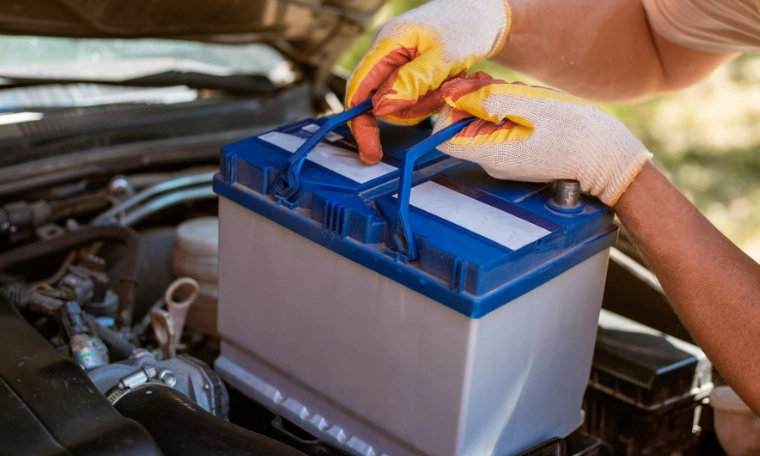
For a Car Battery Replacement:
- Testing & Confirmation: They should test the old battery and charging system to confirm the battery is the culprit, not the alternator.
- Safe Removal: Disconnect the NEGATIVE (black) terminal first, then the POSITIVE (red). This prevents short circuits. The old battery is lifted out.
- Terminal Check & Cleanup: A good tech will clean the battery tray and cable terminals of any corrosion (that white/green gunk) to ensure a perfect connection for the new battery. This is a step cheap services sometimes skip.
- Installation & Connection: New battery goes in. Connect POSITIVE terminal first, then NEGATIVE. Terminals are tightened securely.
- Post-Installation Check: They should start the car, check for warning lights, and often test the charging system again to ensure everything is working perfectly.
For a Phone/Laptop Battery Replacement:
- Diagnostics & Data: They should confirm the battery health issue and remind you to back up data (if you haven't).
- Careful Disassembly: Using proper tools, the device is opened. This often involves applying heat to soften adhesive holding the battery and screen.
- Safe Battery Removal: The old battery is carefully pried up, avoiding puncturing it. Adhesive is cleaned off from the device's frame.
- Installation & Calibration: The new battery is seated, often with new adhesive strips. The device is reassembled.
- Quality Check: The device is powered on. Battery percentage is checked, and the device is cycled to ensure it's charging and discharging normally. Some shops will run basic diagnostic software.
If a shop rushes through these steps or seems messy, it's a red flag. A proper battery replacement is a methodical process.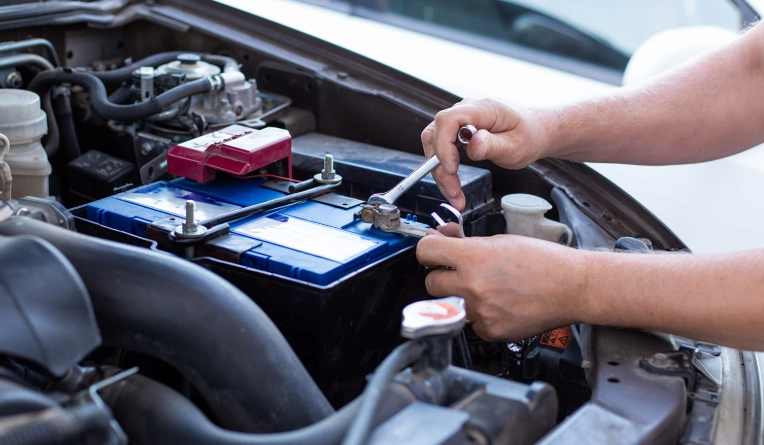
What About the Old Battery? Disposal is Not Optional.
This is a critical and often overlooked part of any battery replacement. You cannot, and should not, throw old batteries in the trash. Car batteries are nearly 100% recyclable. The lead and plastic are recovered and reused. Electronics batteries contain valuable materials like lithium and cobalt, but also hazardous ones.
Any reputable service provider will include safe, responsible disposal or recycling in their service. They are often required by law to do so. If you do a DIY battery replacement, you are responsible for the old one. Take it to an auto parts store (for car batteries), or a designated electronics recycling drop-off point. Many municipalities have these. The U.S. Environmental Protection Agency has resources on recycling lithium-ion batteries. Proper disposal prevents environmental harm and recovers precious materials.
Your Battery Replacement Questions, Answered
Let's tackle some of the most common questions that pop up when people are considering this.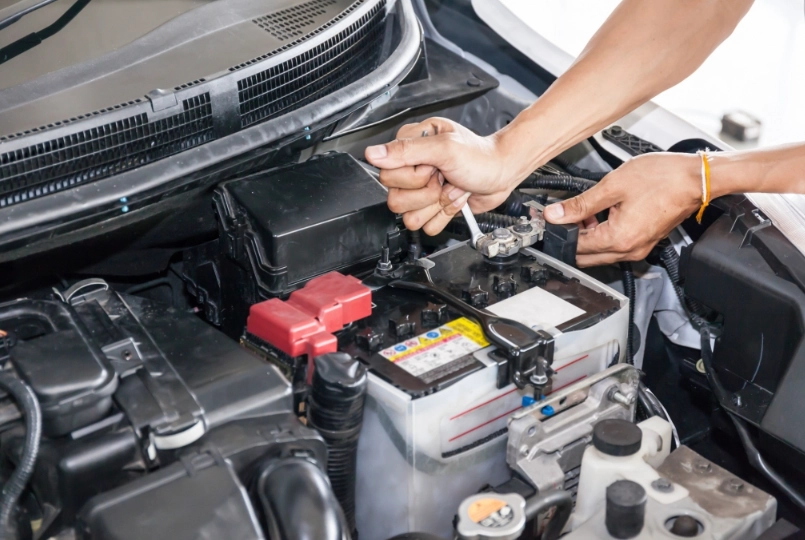
The decision to get a battery replacement is a practical one. It's about restoring function, saving money compared to a new purchase, and often, reducing electronic waste. By knowing the signs, understanding your options between DIY and professional service, and knowing how to choose a good provider, you turn a potential headache into a straightforward task.
You get your device back, working like it should, without that constant low-battery anxiety. And that's a feeling worth paying for.