You walk over to your thermostat, feeling a bit warm. The display says 78 degrees. You double-check the setting. It's definitely set to cool to 72. Your air conditioner might even be running, but that number just won't budge. Sound familiar? This isn't just an annoyance; it's a sign something's off with your cooling system.
As someone who's spent over a decade in HVAC, I've seen this exact scenario hundreds of times. Most homeowners immediately assume their AC is broken and needs a massive, expensive repair. Often, that's not the case. The gap between your set point and the actual reading is a symptom, and the cause can range from a simple five-minute fix to a more serious issue.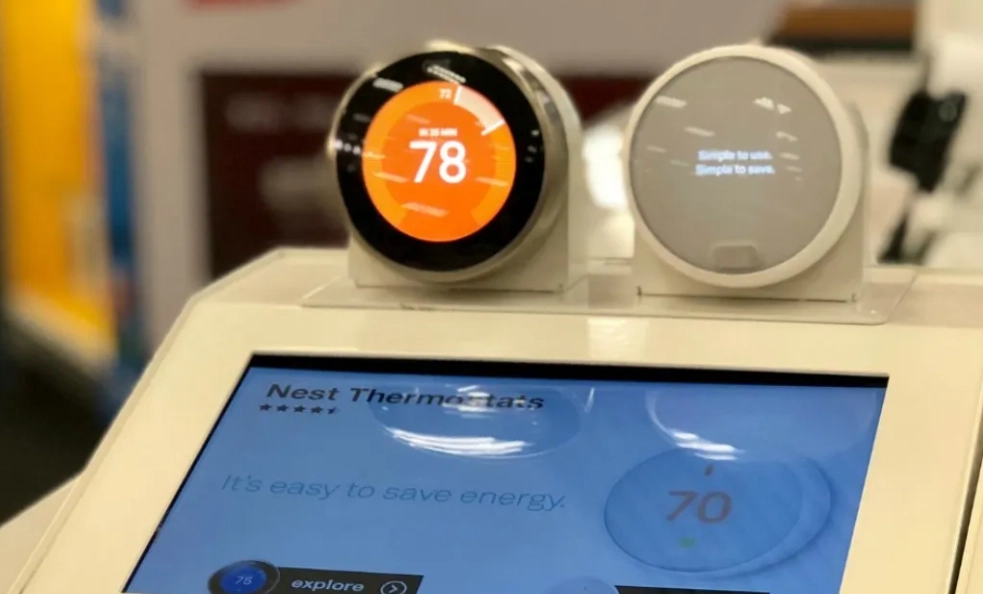
Let's cut through the guesswork. This guide will walk you through the six most common reasons your AC's target and reality don't match, how to diagnose them yourself (safely), and when it's time to call in a pro.
What You'll Learn in This Guide
The 6 Most Common Reasons Your AC Set Point and Room Temperature Don't Match
Think of your thermostat as the brain of your AC system. It tells the body (the outdoor condenser and indoor air handler) what to do. A discrepancy means there's a communication breakdown somewhere along the line. Here are the usual suspects, starting with the simplest.
1. A Misplaced or "Lazy" Thermostat Sensor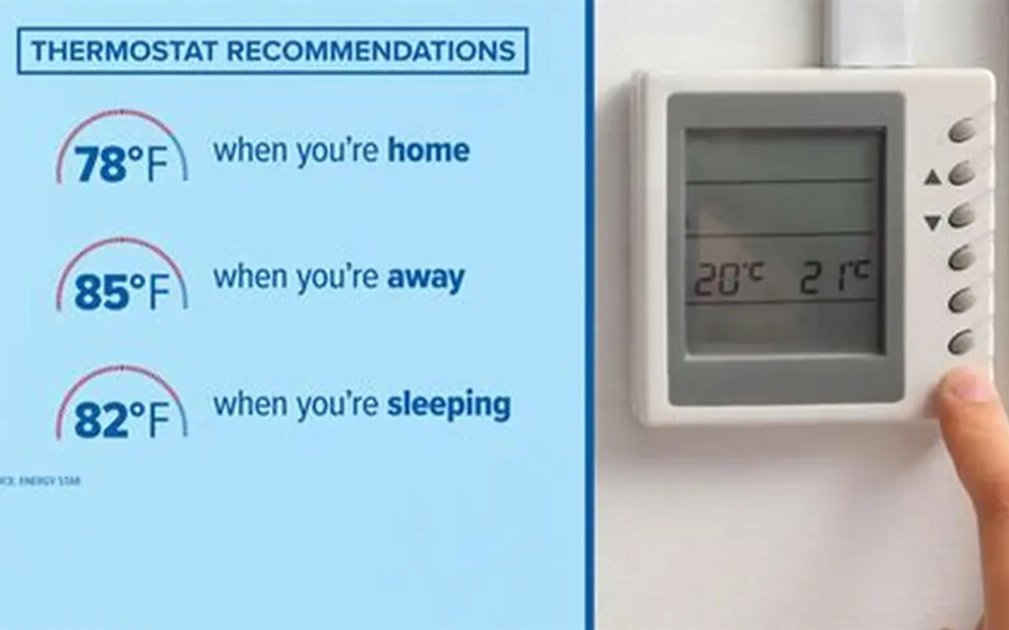
This is the single biggest culprit I see in service calls. Your thermostat has a tiny sensor inside that reads the air temperature right around it. If that thermostat is in a bad spot, its reading is useless for the rest of your house.
Problem Locations: Direct sunlight from a window, on an exterior wall (especially one that gets afternoon sun), right above a heat-producing appliance like a TV or lamp, in a drafty hallway, or tucked in a corner with no air circulation.
I once visited a home where the thermostat was in a formal living room the family never used. The room was always cold and dark, so the thermostat thought the whole house was comfortable at 76, while the family room in the back, with giant west-facing windows, was baking at 82. The AC never kicked on because the "brain" was in the wrong place.
2. Thermostat Calibration Drift (Especially in Older Models)
Mechanical and older digital thermostats can lose their accuracy over years of use. Components wear out, dust accumulates, and the internal calibration shifts. A thermostat that's off by 3-6 degrees is surprisingly common. Your set point might be 72, but the thermostat's internal reference says 72 is actually 76, so it doesn't call for cooling until the room feels like 80 to you.
3. Restricted Airflow: The Silent Killer of Efficiency
Your AC doesn't just cool air; it moves it. If airflow is choked, the cold air can't get from the vents into your rooms effectively. The system might be producing 55-degree air, but only a trickle is coming out. The room never cools down, but the thermostat, located elsewhere, might not feel the full effect immediately.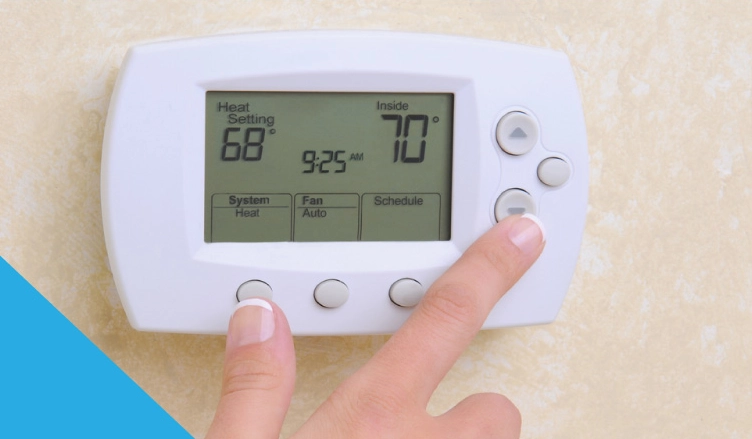
- Dirty Air Filter: The #1 offender. A filter clogged with dust and pet hair is like trying to breathe through a thick blanket.
- Closed or Blocked Vents: Furniture pushed against vents, or vents closed in unused rooms (which can actually increase pressure and cause problems elsewhere).
- Dirty Evaporator Coils: Inside your air handler, these coils get icy cold. If they're coated in grime, they can't absorb heat from the air passing over them.
- Failing Blower Motor: The fan that pushes air through your ducts might be running slow or intermittently.
4. Refrigerant Issues: Low Charge or Restriction
Refrigerant is the lifeblood of your AC. It's the substance that absorbs heat from inside your home and releases it outside. If there's a leak (low charge) or a blockage (restriction) in the refrigerant lines, the system's cooling capacity plummets.
Here's the telltale sign: The AC runs constantly, but the air coming from the vents is barely cool, or maybe even lukewarm. It's working hard but not doing its job. This is a professional repair only. Handling refrigerant requires EPA certification and specialized tools.
5. An Oversized Air Conditioner
This is a problem baked in from installation. An oversized unit cools the space too quickly. It satisfies the thermostat's demand in just a few minutes by cooling the air immediately around it, but it shuts off before running long enough to dehumidify the air or circulate cool air to all corners of the house. The result? A clammy, unevenly cooled home where some spots feel fine and others feel warm and sticky. The thermostat might cycle between 72 and 74 rapidly, never achieving stable comfort.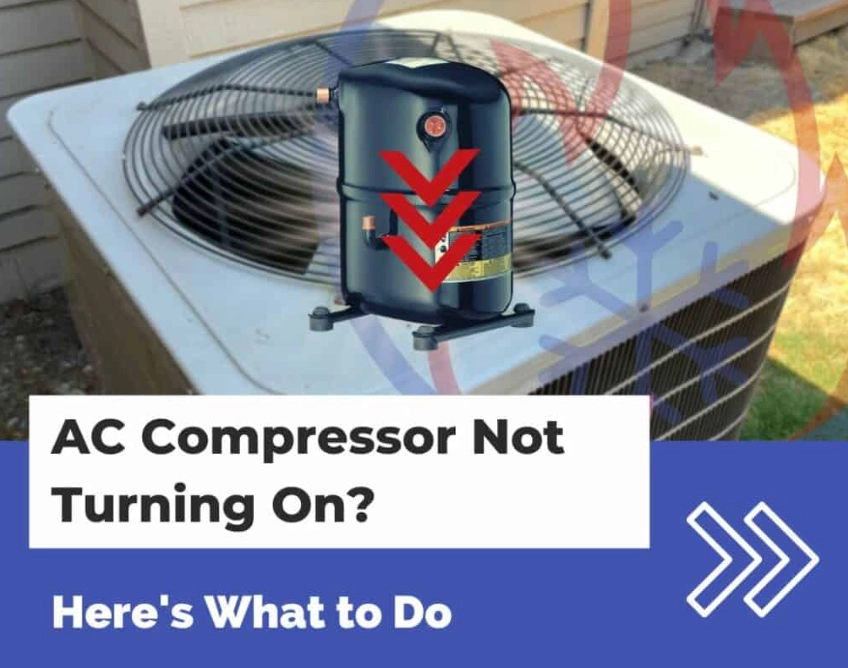
6. Smart Thermostat "Features" or Settings
Modern smart thermostats (Nest, Ecobee, etc.) are fantastic, but their advanced algorithms can sometimes work against you.
- Airwave or Fan Circulation: The compressor (the part that makes cold air) turns off, but the fan keeps running, circulating uncooled air past the sensor, making the room feel warmer.
- Adaptive Recovery/Time-to-Temp: The thermostat learns how long your system takes to cool and starts early to hit your target by a scheduled time. If it's miscalibrated, it might stop short.
- Remote Sensors: You might have the thermostat set to follow a sensor in a different room. Check which sensor is active in the app.
Your Step-by-Step Diagnostic Checklist
Don't just guess. Follow this logical sequence. Start with the free and easy stuff before worrying about major repairs.
Step 1: The Thermostat Location & Environment Check. Is it in direct sun? Feel the wall around it. Is it warm? Move a lamp or TV that's nearby. This takes two seconds and costs nothing.
Step 2: The Filter Inspection. Go look at your air filter right now. Is it grey and loaded with dust? Hold it up to a light. Can you see light through it? If not, replace it. Use the exact size listed on the old filter's frame. Do this monthly during peak cooling season.
Step 3: The Vent & Return Air Test. Walk to the vent blowing the least air. Is it fully open? Is a couch, bed, or curtain blocking it? Also, find your main return air grille (the big one, usually in a hallway). Is its filter clean? Is it blocked by furniture? The system needs to pull air in to push cool air out.
Step 4: The "Ice Cube" Calibration Test (for older thermostats). This is a classic field test. Turn the AC off. Tape a small baggie with an ice cube and a little water directly over the thermostat's temperature sensor (you may need to gently pop the cover off). Wait 15-20 minutes. The thermostat should read very close to 32°F (0°C). If it's off by more than 2-3 degrees, it's likely miscalibrated.
Step 5: The Supply Air Temperature Check. You'll need a basic thermometer. Let the AC run for at least 10 minutes. Hold the thermometer in the airflow from a supply vent. You should get a reading 15-20 degrees lower than the room's ambient temperature. If the room is 78, the vent air should be between 58-63°F. If it's only 70-75, you have a cooling capacity problem (refrigerant, dirty coils).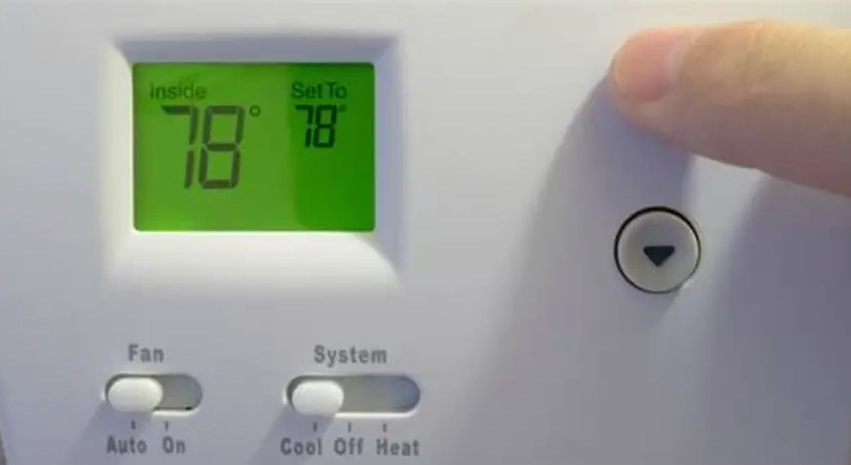
To DIY or Not to DIY: Understanding Your Repair Options
Once you've diagnosed the likely issue, here's what you can do about it.
| Problem Identified | DIY-Friendly? | Approximate Cost & Action | Pro Tip |
|---|---|---|---|
| Dirty Air Filter / Blocked Vents | Yes | $10-$30 for filters. Move furniture. | Buy filters in bulk online. Set a calendar reminder for the 1st of every month. |
| Bad Thermostat Location | Maybe | $0 (relocate) to $200+ (rewire by pro). | Relocating a thermostat often requires running new low-voltage wire. This is a common DIY mistake that leads to a service call. |
| Old/Miscalibrated Thermostat | Yes | $50-$250 for a new programmable/smart thermostat. | Upgrading to a smart thermostat with remote sensors (like Ecobee) can solve both placement and calibration issues. |
| Dirty Evaporator Coils | No | $150-$400 for professional cleaning. | Accessing the coils usually requires disassembling the air handler. DIY attempts can damage fragile fins. |
| Low Refrigerant / Leak | No | $200-$1,500+ (find/fix leak + recharge). | Just adding refrigerant without fixing the leak is illegal (EPA) and a waste of money. It will leak out again. |
| Failing Blower Motor | No | $400-$800+ for motor replacement. | A humming sound without airflow is a classic sign. Turn the system off immediately to prevent overheating. |
How to Prevent This Problem From Happening Again
Annual maintenance is not a scam. It's the single best way to avoid a 78-degree day when you want 72. A professional tune-up should include:
- Cleaning condenser coils (outside unit).
- Checking refrigerant pressure and for leaks.
- Inspecting and lubricating the blower motor.
- Verifying electrical connections.
- Clearing the condensate drain line.
Schedule this in the spring, before the cooling season hits. It's cheaper than a panic repair in July.
Also, consider a thermostat upgrade. A smart thermostat with remote sensors (you place them in the rooms you actually use) can average the temperature and ignore a bad reading from a poorly placed main unit. It gives you data and control you never had before.